Best AI Chatbots for Productivity
AI chatbots have evolved into full productivity assistants in 2026, helping users automate tasks, generate content, manage workflows, and improve efficiency.
From writing emails to summarizing documents and assisting in coding, these tools are now part of everyday work and study routines. In this article, we compare the best AI chatbots based on real productivity use cases, features, and ease of use.
What Are AI Chatbots?
- AI chatbots are software applications powered by large language models (LLMs) that can understand and generate human-like text.
- These tools use technologies like natural language processing (NLP), machine learning, and deep learning to interact with users conversationally.
- Modern AI chatbots go beyond basic responses and can perform tasks like content creation, research assistance, coding help, and workflow automation.
- They are widely used in workplaces, education, and personal productivity to save time and improve output quality.
Top 10 AI Chatbots for Productivity in 2026
Here are the top 10 AI chatbots for productivity in 2026, selected based on features, real-world use cases, and ease of use.
1. ChatGPT — LLM-Based Conversational AI Assistant
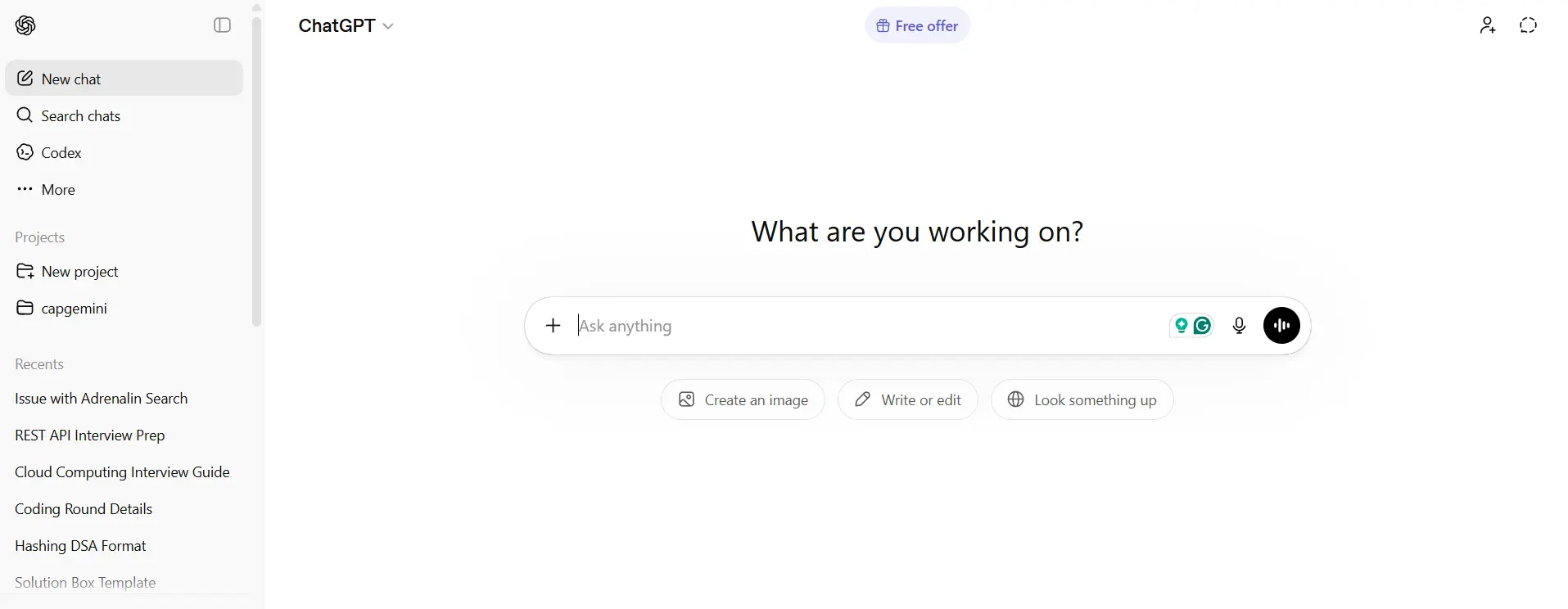
ChatGPT is a large language model-based AI chatbot developed by OpenAI that is designed for conversational tasks, content generation, and problem-solving. It is widely used across industries for writing, coding, research, and automation workflows.
It stands out due to its advanced reasoning capabilities, multimodal support, and ability to handle complex tasks, making it one of the most versatile productivity tools available in 2026.
Key Features
- Advanced reasoning and long-form content generation
- Multimodal support (text, images, files)
- Custom GPTs and workflow automation
Use Cases
- Content writing and editing
- Coding and debugging assistance
- Research and summarization
Ease of Use
- Simple chat-based interface
- Beginner-friendly workflows
- Supports advanced prompt usage
Integrations
- API access for apps and tools
- Works with productivity platforms
- Plugin and custom tool support
Pricing
- Free plan available, paid Plus/Pro plans
2. Google Gemini — Multimodal AI Chatbot with Deep Google Integration
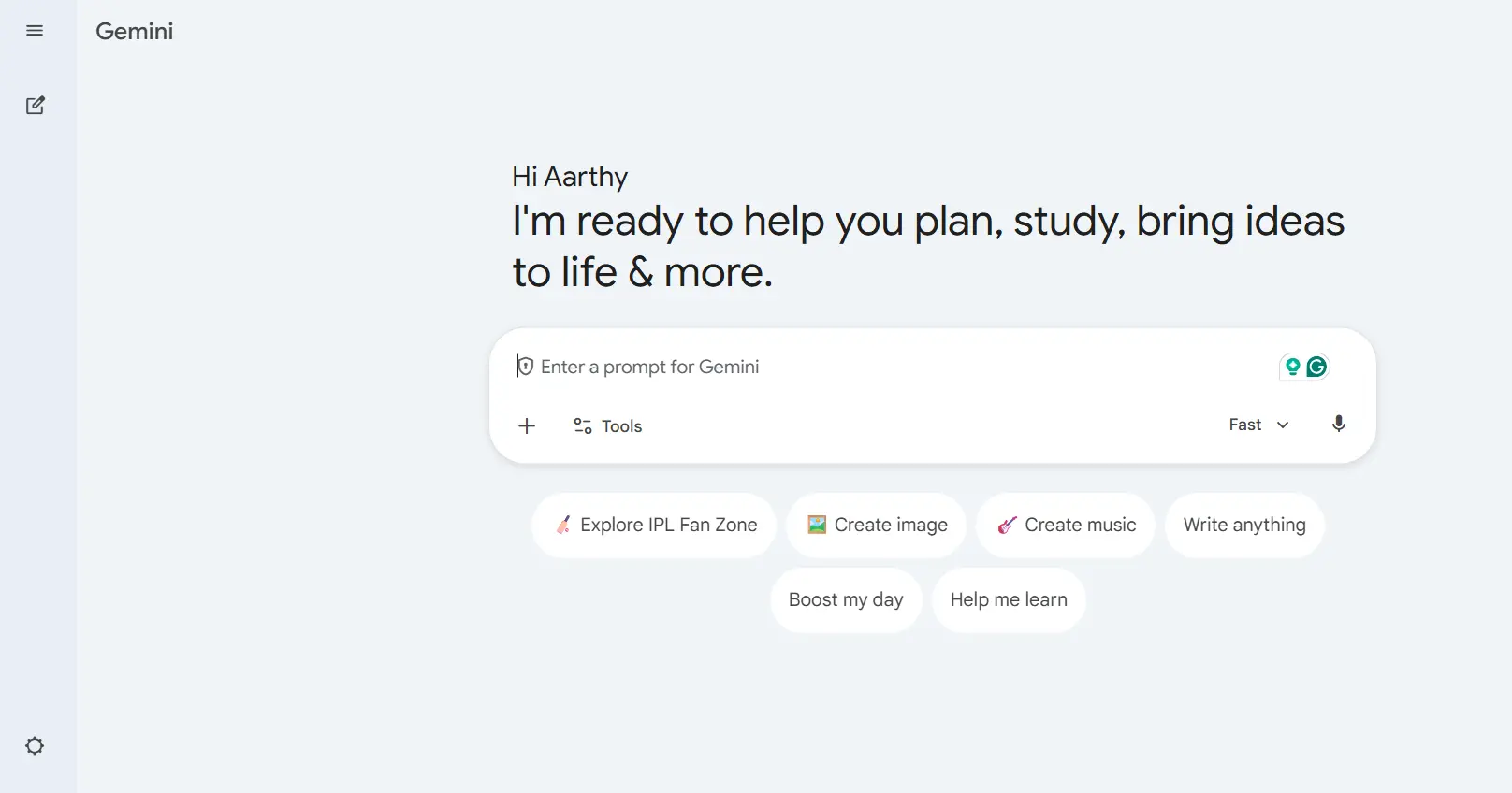
Google Gemini is a multimodal AI chatbot powered by Google’s advanced LLM architecture, designed to handle text, images, and data-driven queries. It is tightly integrated with Google Workspace tools.
It is particularly effective for productivity tasks within the Google ecosystem, such as document creation, email drafting, and data analysis.
Key Features
- Multimodal capabilities (text, images, data)
- Deep integration with Google Workspace
- Real-time data and search capabilities
Use Cases
- Email drafting and document creation
- Data analysis in Sheets
- Research and quick answers
Ease of Use
- Easy for Google users
- Clean and simple interface
- Minimal learning curve
Integrations
- Google Docs, Sheets, Gmail
- Google Drive ecosystem
- Android and web integration
Pricing
- Free plan available, paid advanced plans
3. Microsoft Copilot — AI Productivity Assistant Embedded in Microsoft Ecosystem
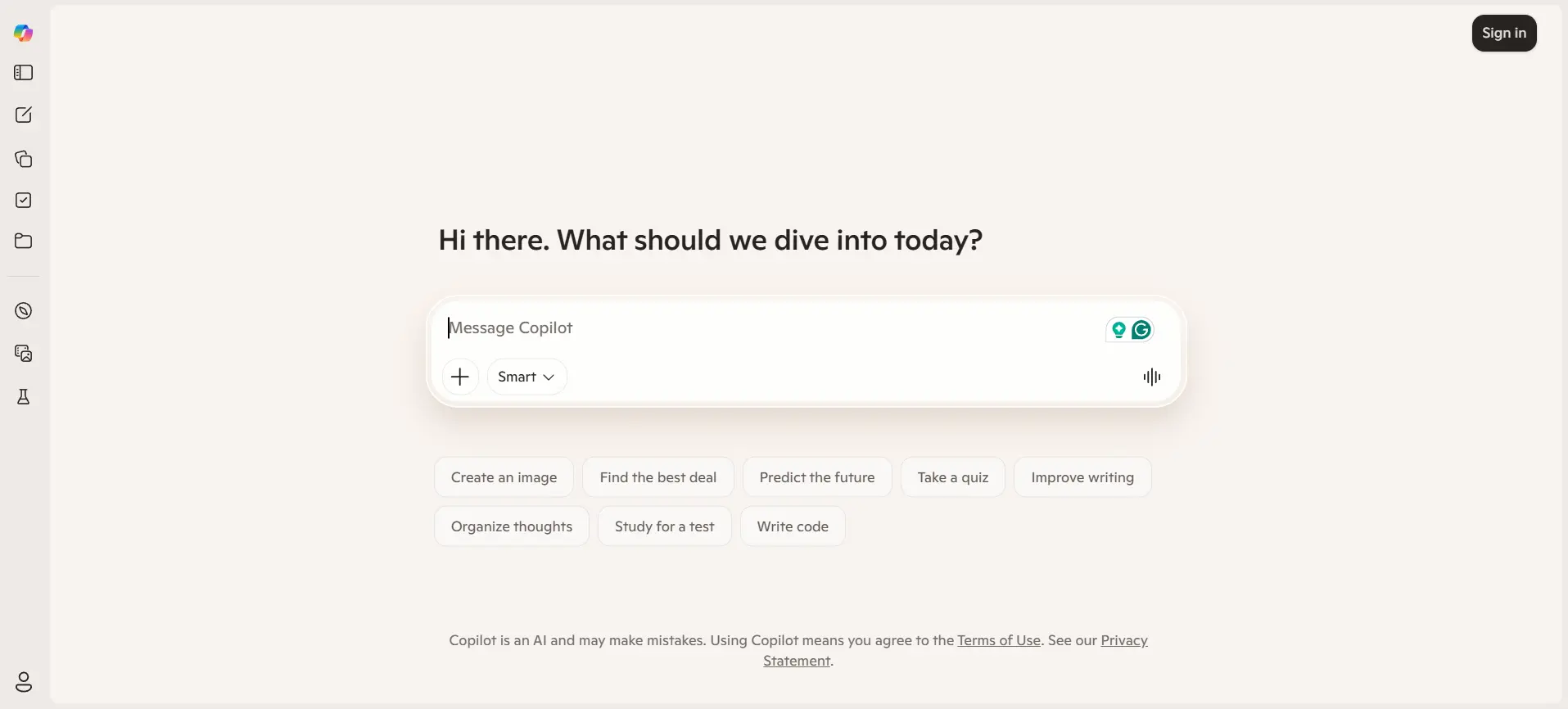
Microsoft Copilot is an AI-powered productivity assistant integrated into Microsoft 365 applications like Word, Excel, and Teams. It leverages LLMs to automate workflows and enhance productivity.
It is ideal for enterprise users who rely heavily on Microsoft tools for daily operations.
Key Features
- AI inside Word, Excel, PowerPoint
- Workflow automation and summarization
- Context-aware assistance in apps
Use Cases
- Document creation and editing
- Data analysis in Excel
- Meeting summaries in Teams
Ease of Use
- Seamless within Microsoft tools
- Familiar interface for users
- Easy for enterprise adoption
Integrations
- Microsoft 365 apps
- Teams and Outlook
- Enterprise systems
Pricing
- Paid subscription with Microsoft plans

4. Claude — Safety-Focused LLM Chatbot for Deep Reasoning Tasks
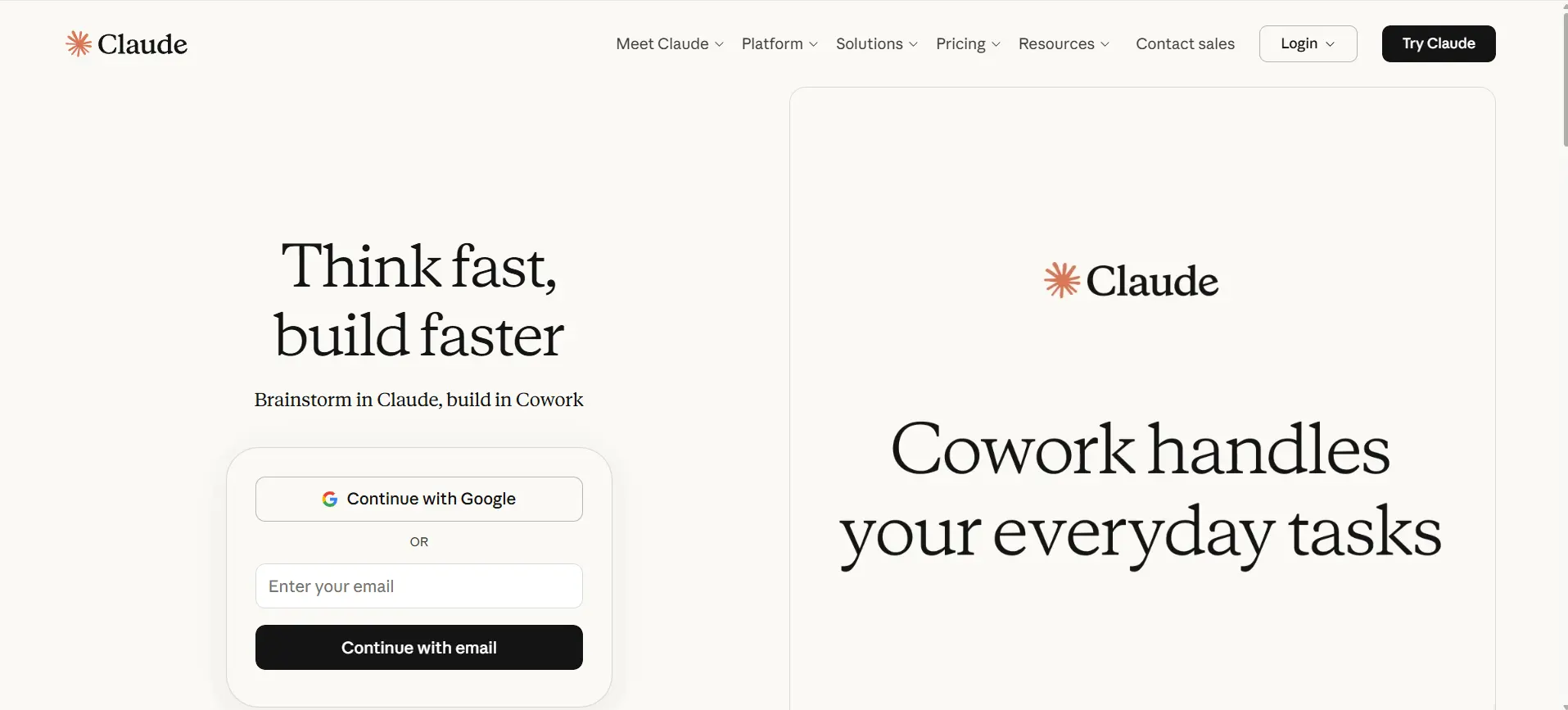
Claude is an AI chatbot developed by Anthropic, designed with a strong focus on safety, alignment, and long-context understanding. It is particularly useful for analyzing large documents and complex reasoning tasks.
It is widely used for research, writing, and professional use cases requiring accuracy and structured responses.
Key Features
- Long-context understanding
- Strong reasoning and structured output
- Safety-focused AI design
Use Cases
- Research and document analysis
- Long-form content writing
- Code explanation and debugging
Ease of Use
- Clean and minimal interface
- Easy for beginners
- Powerful for advanced tasks
Integrations
- API for developers
- Works with external tools
- File upload support
Pricing
- Free plan available, paid Pro plans
5. Perplexity AI — AI Answer Engine with Real-Time Web Search
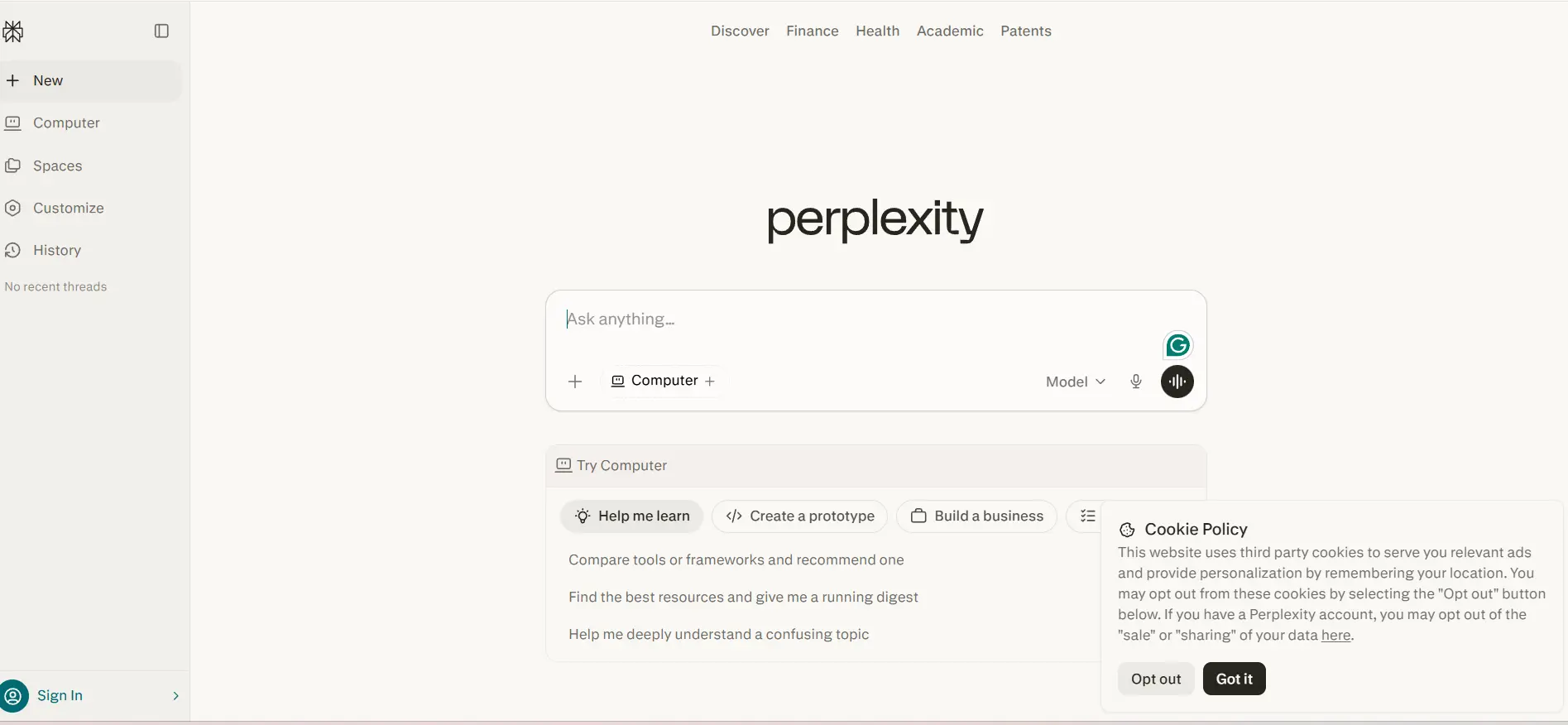
Perplexity AI is an AI-powered answer engine that combines LLM capabilities with real-time web search to provide accurate and cited responses.
It is highly useful for research, fact-checking, and quick information retrieval tasks.
Key Features
- Real-time web search integration
- Cited and reliable answers
- Fast response generation
Use Cases
- Research and fact-checking
- Quick answers and summaries
- News and trend analysis
Ease of Use
- Simple search-like interface
- No learning curve
- Fast and responsive
Integrations
- Web-based platform
- API access
- Browser usage
Pricing
- Free plan available, paid Pro version
6. Notion AI — Workspace-Integrated AI Chatbot for Knowledge Management
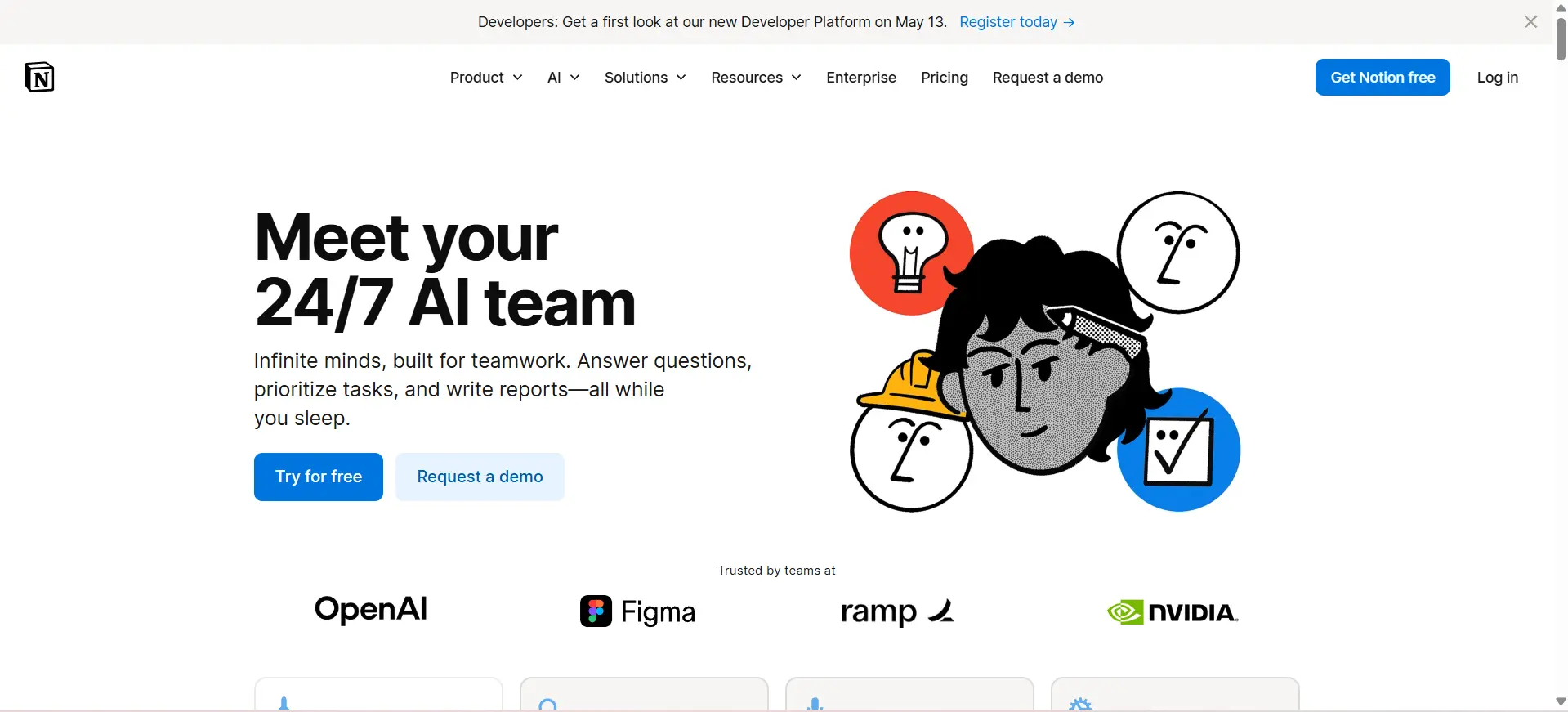
Notion AI is an AI assistant embedded within the Notion workspace, designed for note-taking, documentation, and project management.
It enhances productivity by helping users organize information, generate content, and automate documentation workflows.
Key Features
- AI inside notes and documents
- Content generation and summarization
- Task and project automation
Use Cases
- Documentation and note-taking
- Project management
- Content planning
Ease of Use
- Easy for Notion users
- Smooth workflow integration
- Beginner-friendly
Integrations
- Notion workspace
- Collaboration tools
- API support
Pricing
- Paid add-on with Notion plans
7. Jasper Chat — Marketing-Focused AI Chatbot for Content Creation
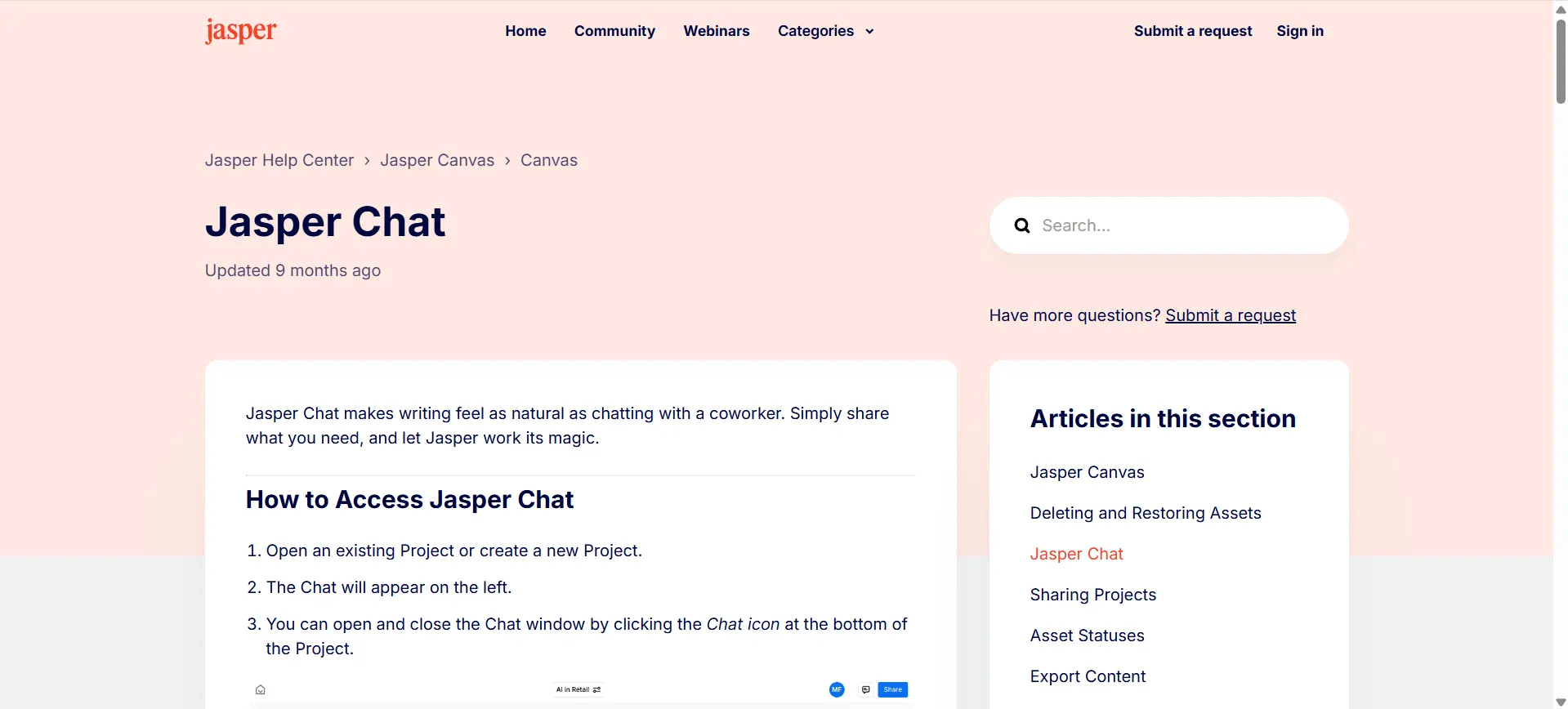
Jasper Chat is an AI chatbot designed specifically for marketing and content creation tasks. It uses LLM technology to generate high-quality content for blogs, ads, and social media.
It is ideal for teams focused on content production and brand communication.
Key Features
- Marketing templates and workflows
- Brand voice customization
- High-quality content generation
Use Cases
- Blog and ad copy creation
- Social media content
- Marketing campaigns
Ease of Use
- Easy for marketers
- Template-based workflows
- Minimal setup required
Integrations
- CMS and marketing tools
- SEO platforms
- API access
Pricing
- Paid subscription plans
8. Poe — Multi-Model AI Chat Platform
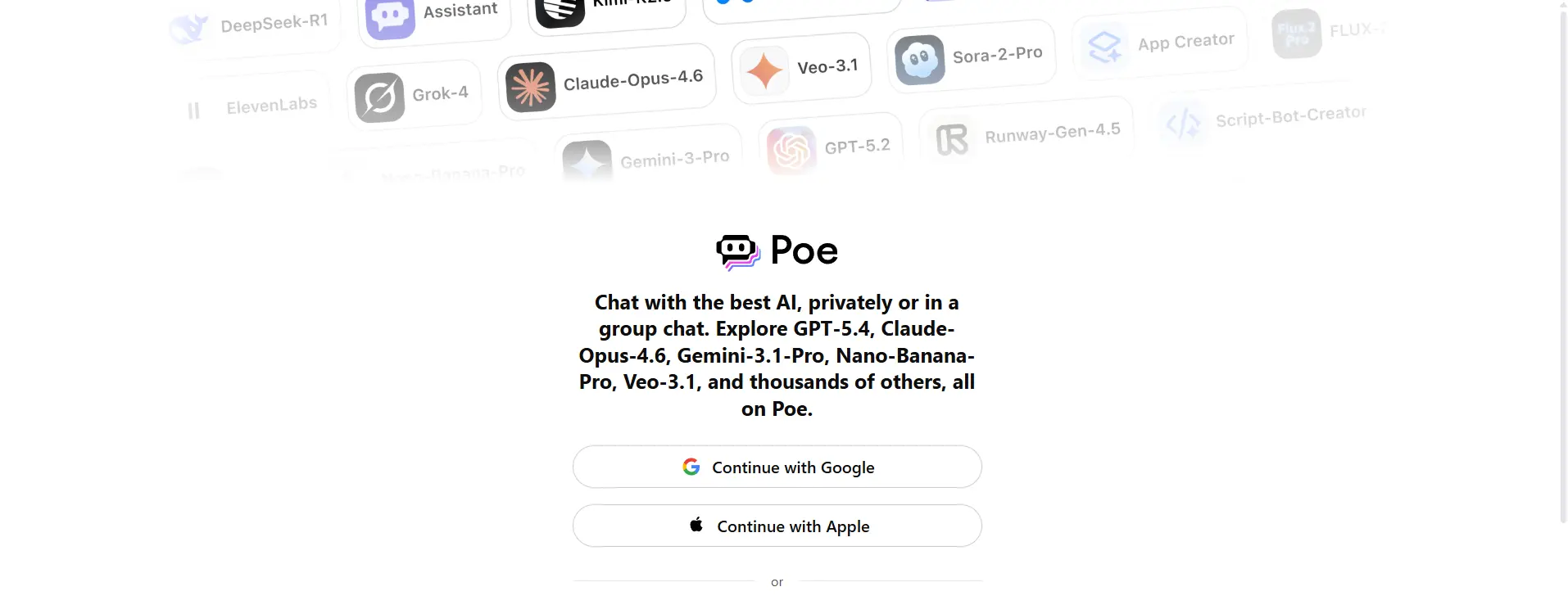
Poe is a platform that provides access to multiple AI models in one interface, allowing users to switch between different chatbots for various tasks.
It is useful for users who want flexibility and access to multiple AI systems in a single platform.
Key Features
- Access to multiple AI models
- Switch between chatbots easily
- Custom bot creation
Use Cases
- Comparing AI responses
- Multi-purpose tasks
- Experimenting with AI tools
Ease of Use
- Simple interface
- Easy switching between models
- Beginner-friendly
Integrations
- Web and mobile apps
- API access
- Community bots
Pricing
- Free plan available, paid premium plans
9. YouChat — Search-Integrated AI Chatbot
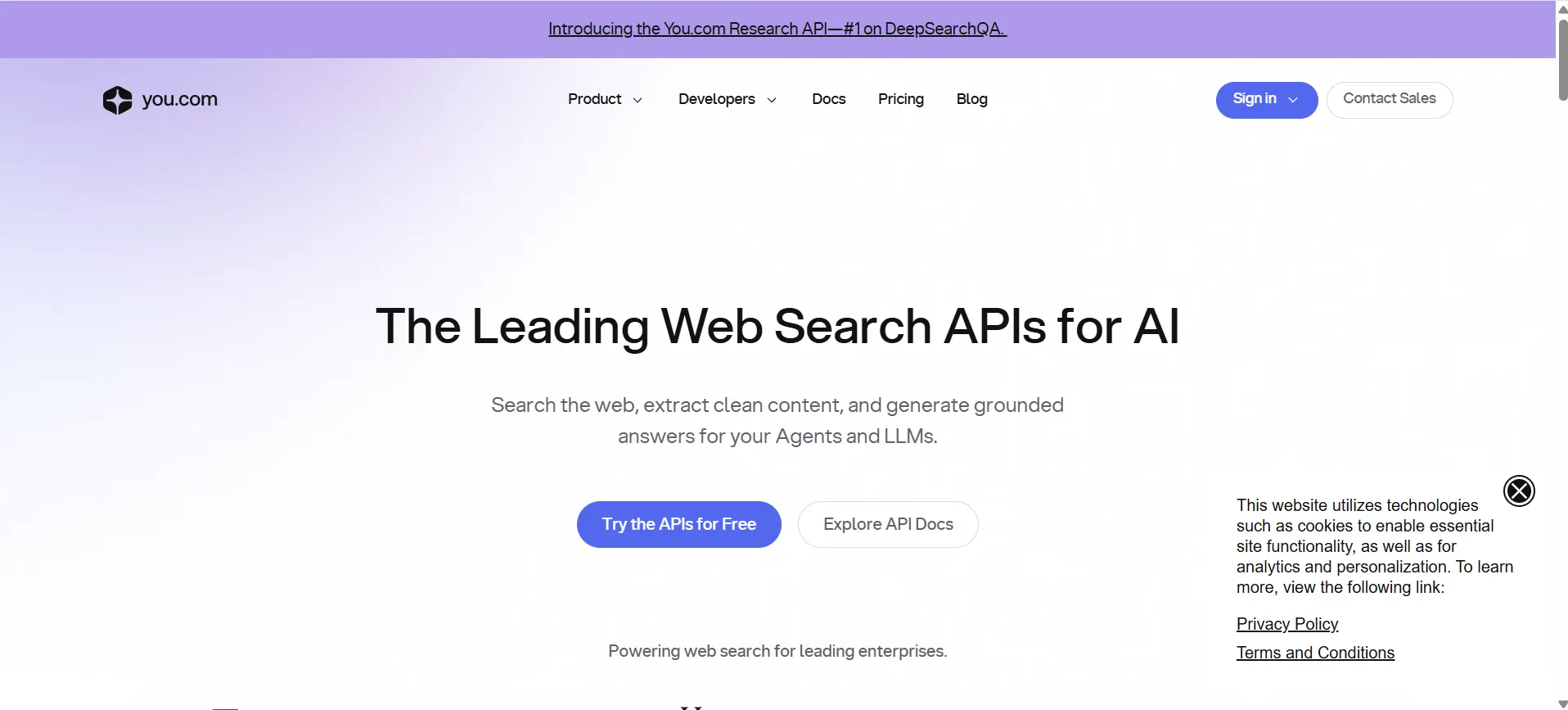
YouChat is an AI chatbot integrated into the You.com search engine, designed to combine conversational AI with web search capabilities.
It helps users perform research, generate content, and retrieve information quickly..
Key Features
- AI + search engine integration
- Fast information retrieval
- Content generation support
Use Cases
- Research and browsing
- Content writing
- Quick answers
Ease of Use
- Search-like interface
- Easy to use
- No learning curve
Integrations
- You.com search engine
- Browser-based usage
- API support
Pricing
- Free plan available, optional paid features
10. Replika — Personal AI Companion for Productivity and Well-Being
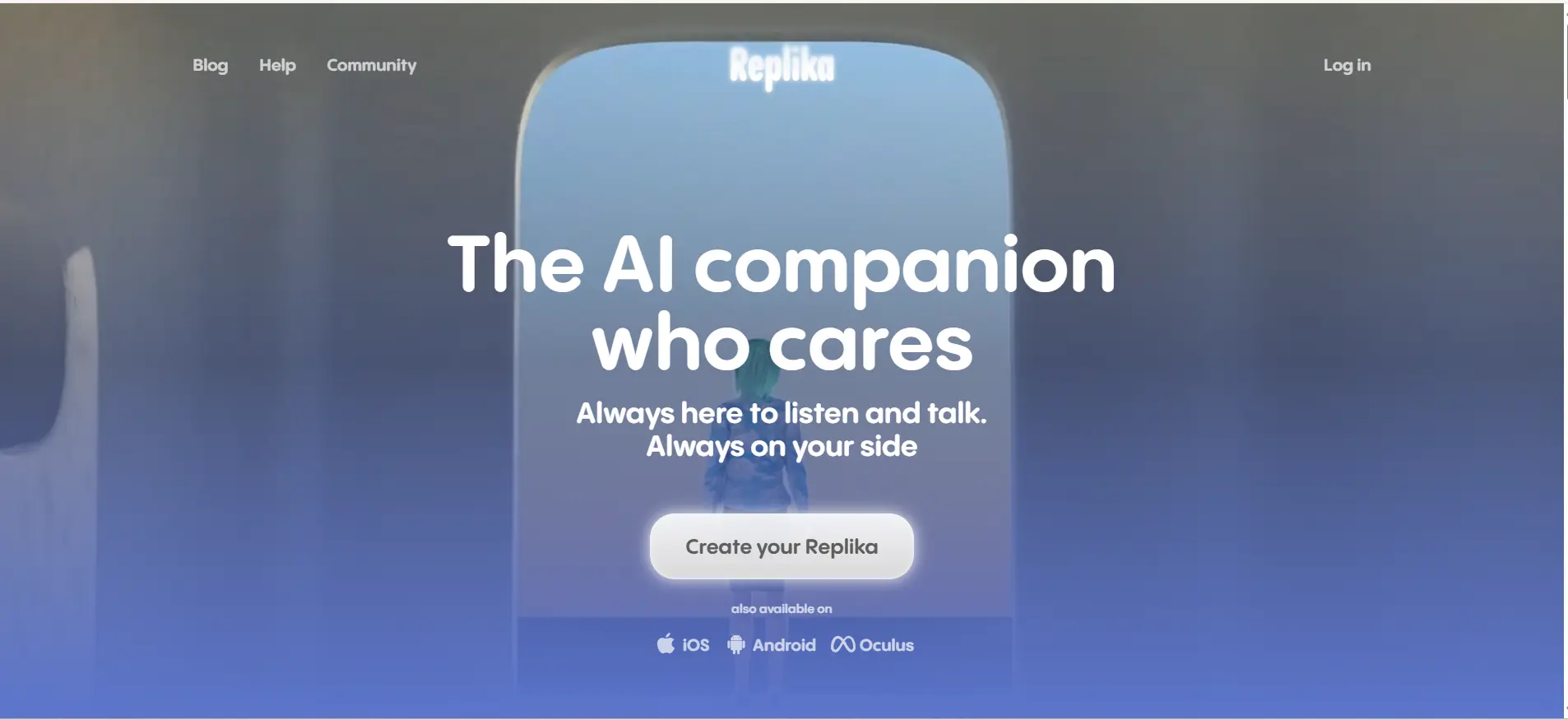
Replika is an AI chatbot designed primarily as a personal companion, but it also supports productivity through journaling, habit tracking, and conversational engagement.
It is useful for personal productivity, mental clarity, and daily routine management.
Key Features
- Conversational AI companion
- Mood tracking and journaling
- Personalized interactions
Use Cases
- Personal productivity
- Mental wellness support
- Daily habit tracking
Ease of Use
- Very simple interface
- Beginner-friendly
- Mobile-first experience
Integrations
- Mobile apps
- Limited external integrations
- Personal use focus
Pricing
- Free plan available, paid subscription plans
How to Choose the Right AI Chatbot for Productivity
- Use Case Fit – Choose a chatbot based on your primary need such as work tasks, studying, content creation, or coding assistance.
- Ecosystem Compatibility – Select tools that align with your existing ecosystem, like Google Workspace, Microsoft 365, or standalone platforms.
- Pricing Model – Compare free and paid plans to ensure the tool fits your budget and usage requirements.
- Ease of Use – Consider how quickly you can start using the tool, especially if you prefer simple interfaces over advanced setups.
- Integrations – Check if the chatbot connects with tools you already use, like email, documents, or project management platforms.
If you are interested in building your own chatbot within a few minutes, then watch our tutorial here!
Final Words
AI chatbots have become essential productivity tools in 2026, helping users automate tasks, generate content, and improve efficiency. Each chatbot is designed for a different purpose, from general assistance to specialized workflows like coding, research, or business tasks.
Choosing the right tool depends on your goals, the tools you already use, and your budget. Exploring and testing a few options is the best way to find the chatbot that fits your workflow effectively.
FAQs
The best chatbot depends on your needs. ChatGPT is versatile, while Gemini and Copilot are better for ecosystem-based productivity tasks.
Microsoft Copilot and Google Gemini are best for office work because they integrate with tools like Word, Excel, Docs, and Gmail.
Most AI chatbots offer free plans with basic features, while advanced capabilities are available through paid subscriptions.
ChatGPT and Gemini are ideal for students as they help with learning, research, assignments, and explanations.
Yes, AI chatbots automate repetitive tasks, assist in writing, and provide quick insights, significantly improving work efficiency.
Most tools are safe, but users should avoid sharing sensitive data and review platform privacy policies before use.



Aarthy is a passionate technical writer with diverse experience in web development, Web 3.0, AI, ML, and technical documentation. She has won over six national-level hackathons and blogathons. Additionally, she mentors students across communities, simplifying complex tech concepts for learners.



Aarthy is a passionate technical writer with diverse experience in web development, Web 3.0, AI, ML, and technical documentation. She has won over six national-level hackathons and blogathons. Additionally, she mentors students across communities, simplifying complex tech concepts for learners.
Related Posts
Top 10 Apache Spark Project Ideas for Beginners in 2026
Apache Spark becomes much easier to understand when you stop learning individual commands and start building complete projects. A practical …

Warning: Undefined variable $post_id in /var/www/wordpress/wp-content/themes/placementpreparation/template-parts/popup-zenlite.php on line 1050
so far feels like...
