Best AI Coding Assistants for Developers
AI coding assistants have become essential tools for developers in 2026, helping them write, debug, optimize, and deploy code more efficiently.
From simple autocomplete suggestions to full code generation and debugging support, these tools are changing how software is built across industries.
This article explores the best AI coding assistants based on real-world development workflows, features, and usability.
What Are AI Coding Assistants?
AI coding assistants are developer tools powered by large language models trained on code, documentation, and technical data.
They help developers write code faster, suggest improvements, identify bugs, and automate repetitive tasks.
These tools integrate directly into IDEs, browsers, and terminal environments to provide real-time assistance during development.
Common Use Cases
- Code generation and autocomplete
- Debugging and error fixing
- Code explanation and documentation
- Refactoring and optimization
- DevOps and automation tasks
Top 10 AI Coding Assistants for Developers in 2026
Here are the top 10 AI coding assistants for developers in 2026, based on development workflows, automation capabilities, and integrations.
1. Cursor — AI-Native Code Editor with Deep LLM Integration
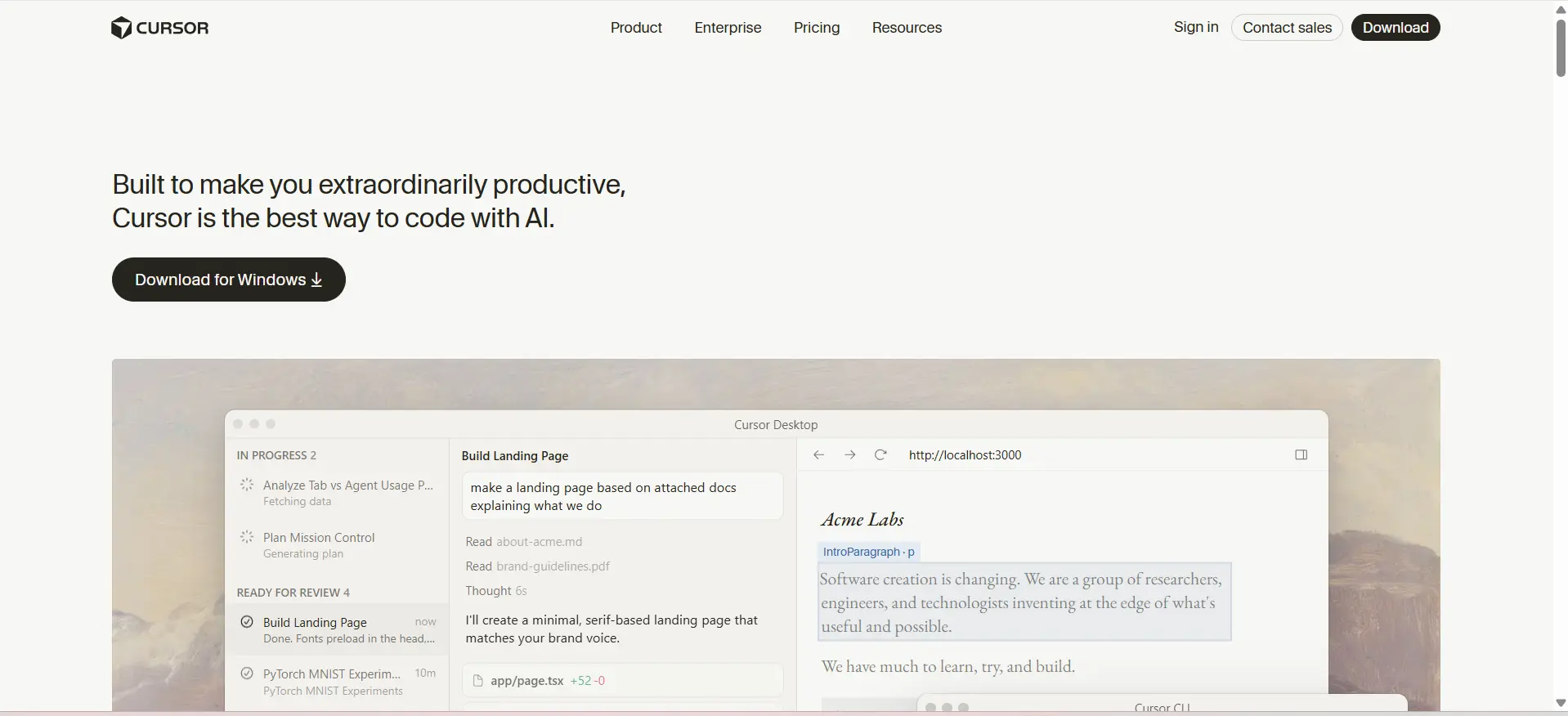
Cursor is an AI-first code editor built on top of traditional IDE concepts, integrating LLM capabilities directly into the development environment. It allows developers to write, edit, and refactor code using natural language instructions.
It stands out due to its ability to understand entire codebases and perform multi-file edits, making it highly effective for large-scale development workflows.
Key Features
- AI-first editor with inline code editing and chat
- Codebase-aware suggestions across multiple files
- Natural language refactoring and debugging
Use Cases
- Full-stack development in large projects
- Refactoring and codebase navigation
- Writing and debugging production code
Ease of Use
- Familiar interface for VS Code users
- Easy onboarding for developers
- Advanced features require prompt understanding
Integrations
- GitHub repositories
- VS Code extensions compatibility
- Local development environments
Pricing
- Free tier available, paid Pro plan
2. Antigravity — Autonomous AI Coding Agent for End-to-End Development

Antigravity is an AI coding agent designed to handle complex development tasks autonomously, from writing code to executing workflows. It leverages advanced LLM reasoning to assist in building and managing projects.
It is particularly useful for developers looking to automate entire coding tasks with minimal manual intervention.
Key Features
- Autonomous task execution for coding workflows
- Multi-step reasoning and code generation
- Handles project-level automation
Use Cases
- Automating full feature development
- Backend and API generation
- Workflow automation and scripting
Ease of Use
- Requires technical understanding
- Prompt-driven interactions
- Better suited for experienced developers
Integrations
- Cloud development environments
- API-based integrations
- DevOps pipelines
Pricing
- Limited access, expected paid plans
3. GitHub Copilot — AI Pair Programmer Integrated with IDEs
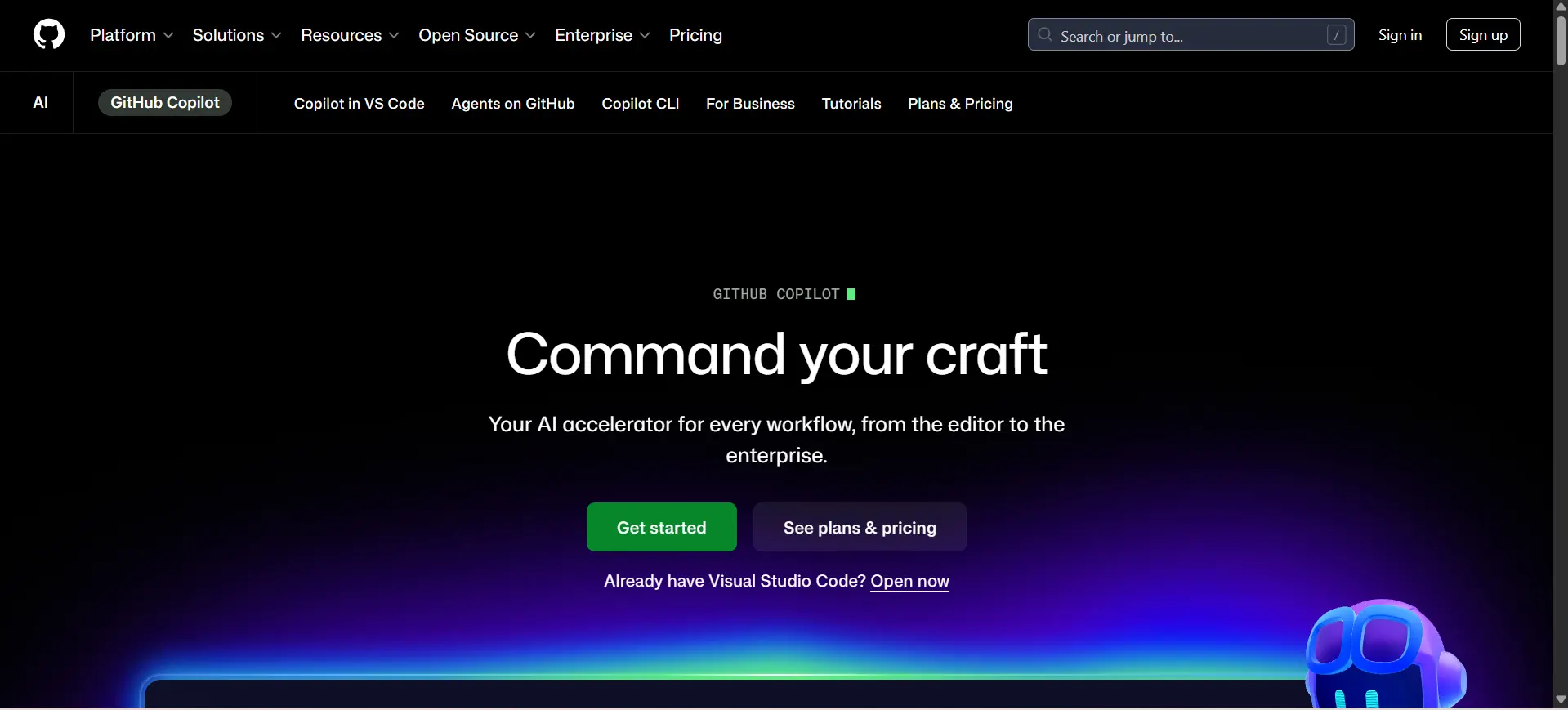
GitHub Copilot is an AI-powered coding assistant developed by GitHub and OpenAI that provides real-time code suggestions and autocompletions within IDEs.
It is widely adopted due to its seamless integration with popular development environments like VS Code and its ability to improve coding speed.
Key Features
- Real-time code autocomplete
- Context-aware suggestions in IDE
- Supports multiple programming languages
Use Cases
- Writing boilerplate code
- Speeding up development
- Learning new languages
Ease of Use
- Seamless inside IDEs
- Minimal setup required
- Very beginner-friendly
Integrations
- VS Code, JetBrains IDEs
- GitHub ecosystem
- Terminal support
Pricing
- Free for students, paid subscription plans

4. Claude Code — LLM-Based Coding Assistant for Complex Reasoning
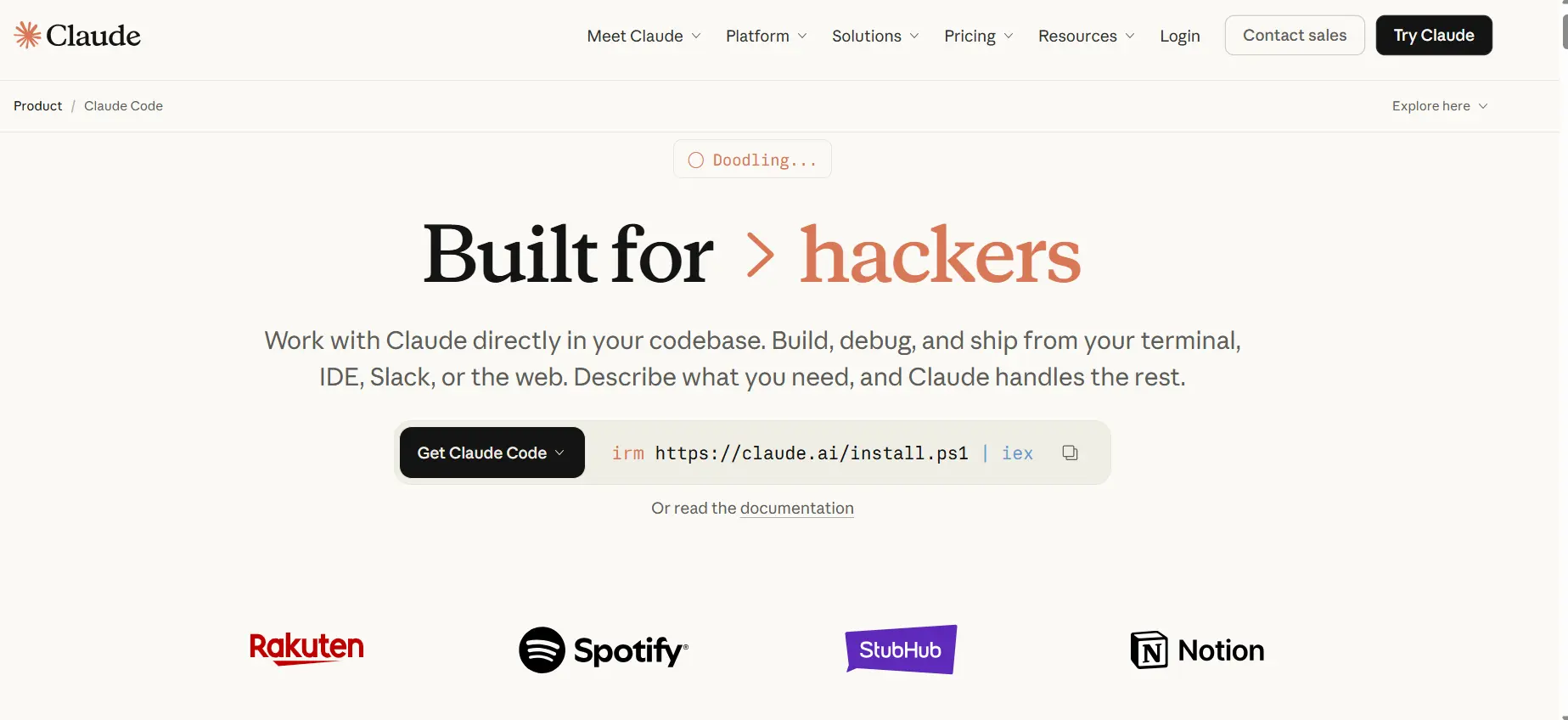
Claude Code is a developer-focused extension of Claude, designed to assist with coding, debugging, and understanding large codebases.
It excels in long-context reasoning, making it ideal for reviewing complex systems and generating structured code solutions.
Key Features
- Handles large codebases with long context
- Strong reasoning for debugging and analysis
- Generates structured and readable code
Use Cases
- Code review and debugging
- Writing complex logic
- Understanding legacy code
Ease of Use
- Clean interface
- Easy for beginners
- Powerful for advanced workflows
Integrations
- API access
- File upload and code analysis
- Works with dev tools
Pricing
- Free plan available, paid Pro plans
5. Windsurf — AI-Powered Development Environment for Full-Stack Workflows

Windsurf is an AI-integrated development environment designed to streamline coding, testing, and deployment workflows.
It helps developers manage projects more efficiently with built-in AI support for code generation and automation.
Key Features
- AI-powered coding and testing environment
- Full-stack development support
- Built-in automation tools
Use Cases
- Full project development
- Testing and deployment workflows
- Rapid prototyping
Ease of Use
- Moderate learning curve
- Developer-focused interface
- Suitable for professionals
Integrations
- Git repositories
- Cloud platforms
- Dev tools ecosystem
Pricing
- Free access with paid premium plans
6. OpenAI Codex — Code Generation Model for Natural Language Programming
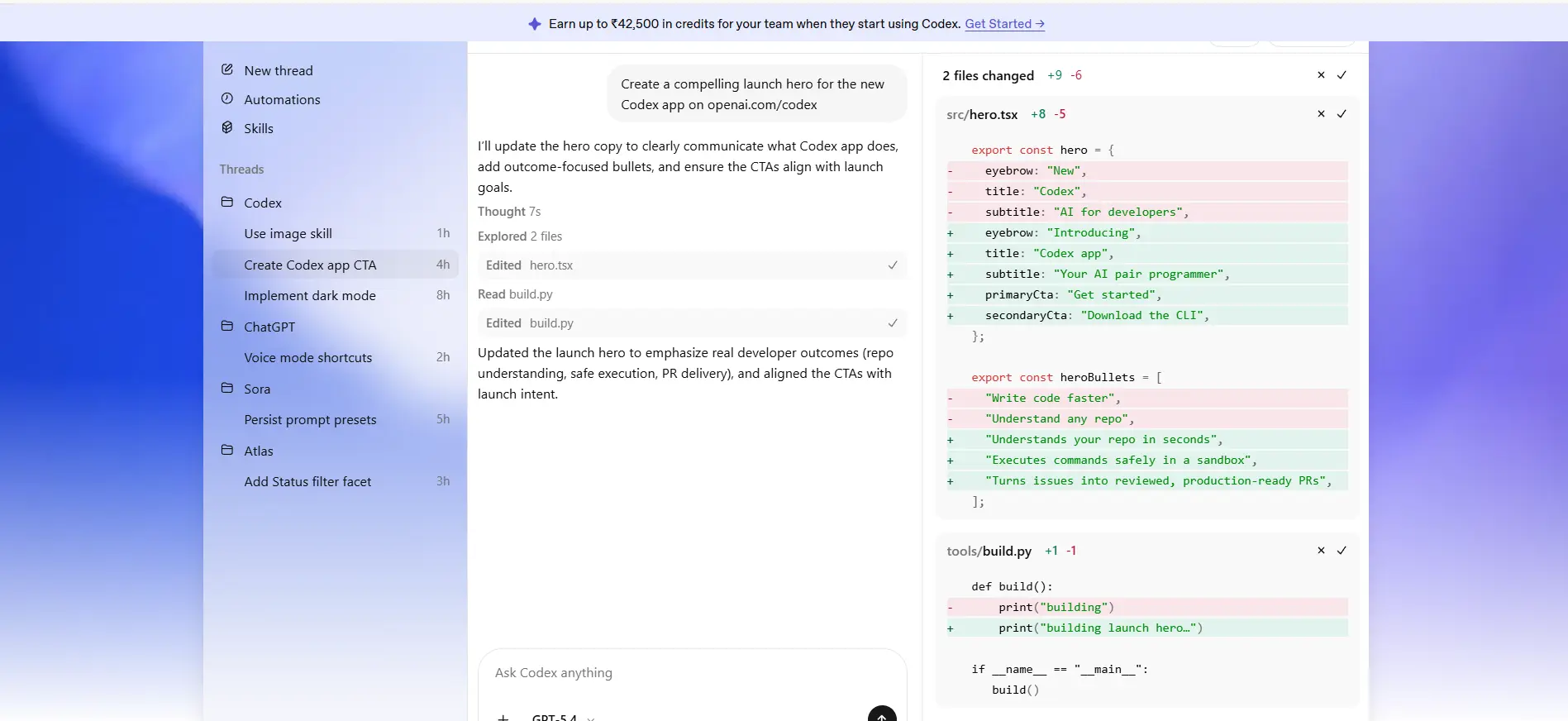
Codex is an AI model developed by OpenAI that converts natural language instructions into executable code across multiple programming languages.
It is widely used for building coding assistants and automating programming tasks.
Key Features
- Converts natural language to code
- Supports multiple programming languages
- Powers many AI coding tools
Use Cases
- Building coding assistants
- Automating scripts
- Generating code from instructions
Ease of Use
- Requires API usage
- Not a standalone UI tool
- Best for developers
Integrations
- API integration
- Developer platforms
- Backend systems
Pricing
- Usage-based API pricing
7. Kilo Code — Lightweight AI Code Assistant for Fast Development
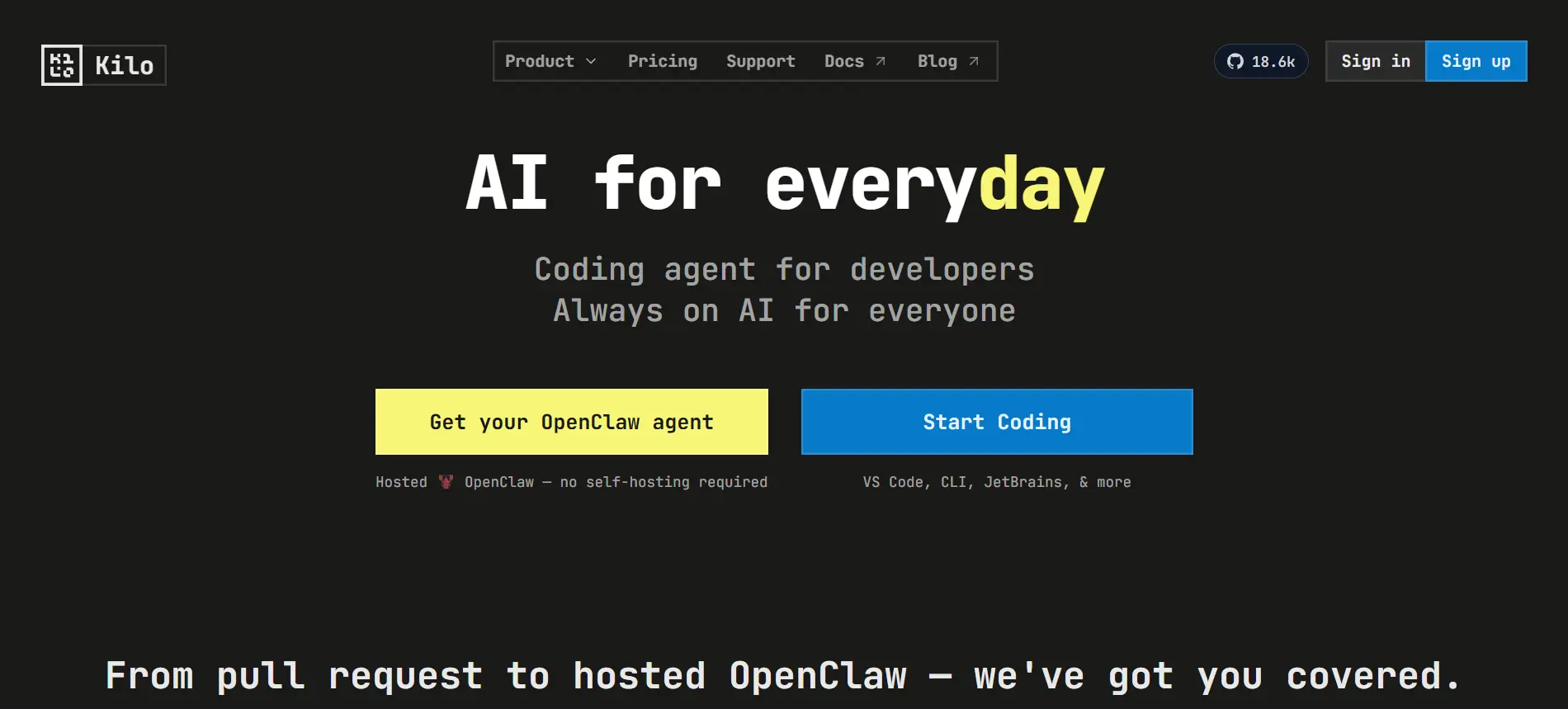
Kilo Code is a lightweight AI coding assistant designed for fast code generation and quick development workflows. It is suitable for developers who need a simple and efficient tool for everyday coding tasks.
Key Features
- Fast code generation
- Lightweight and simple interface
- Supports common programming languages
Use Cases
- Quick coding tasks
- Small projects
- Script generation
Ease of Use
- Very beginner-friendly
- Minimal setup required
- Fast learning curve
Integrations
- Basic IDE integrations
- Web-based tools
- API support
Pricing
- Free plan available, paid upgrades
8. Augment Code — Context-Aware AI Assistant for Team-Based Development
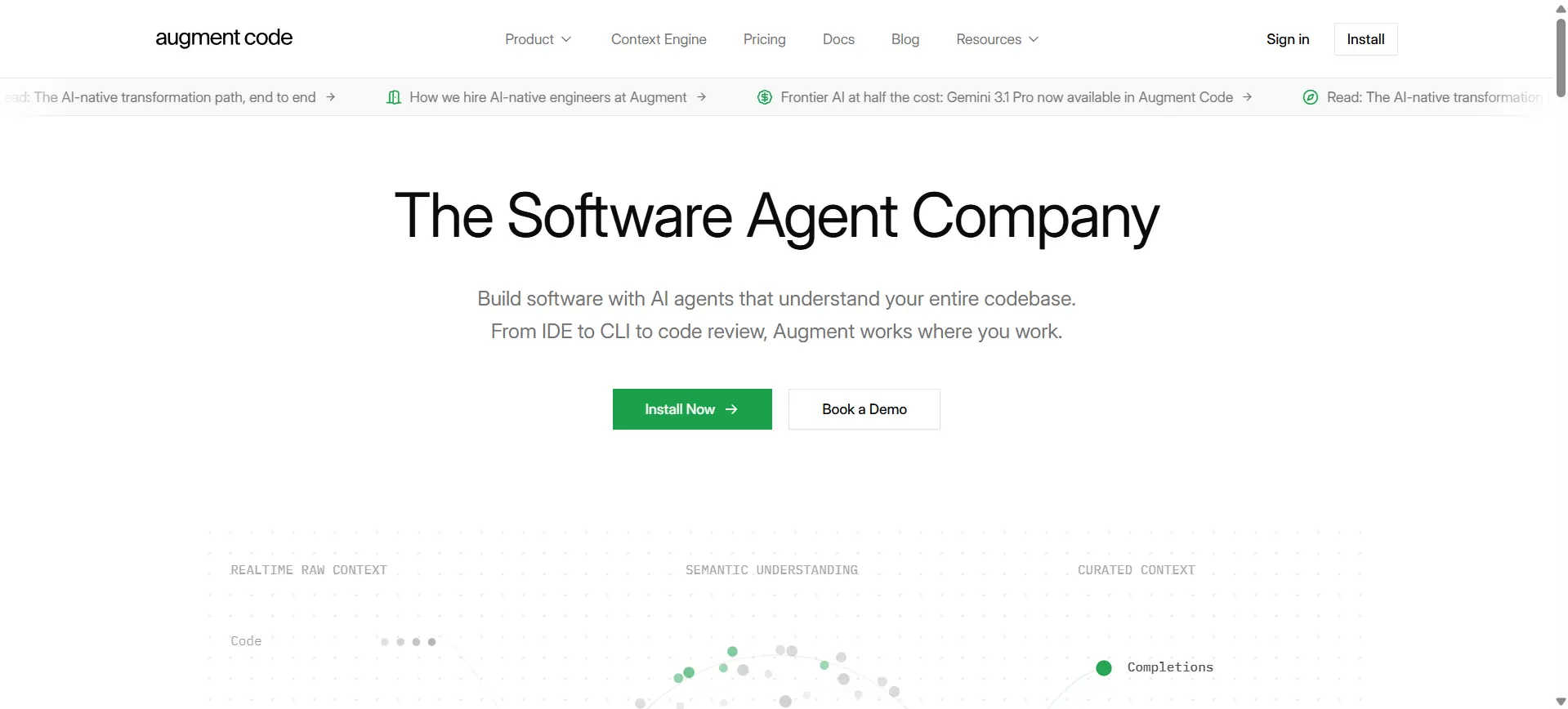
Augment Code is an AI coding assistant designed for collaborative development, focusing on understanding team codebases and improving productivity.
It helps developers navigate large repositories and maintain consistency across projects.
Key Features
- Understands team codebases
- Context-aware suggestions
- Collaboration-focused features
Use Cases
- Large team projects
- Codebase navigation
- Maintaining coding consistency
Ease of Use
- Designed for teams
- Requires onboarding
- Easy after setup
Integrations
- GitHub and repositories
- Team collaboration tools
- CI/CD pipelines
Pricing
- Paid plans for teams
9. Replit Ghostwriter — Cloud-Based AI Coding Assistant in Browser IDE
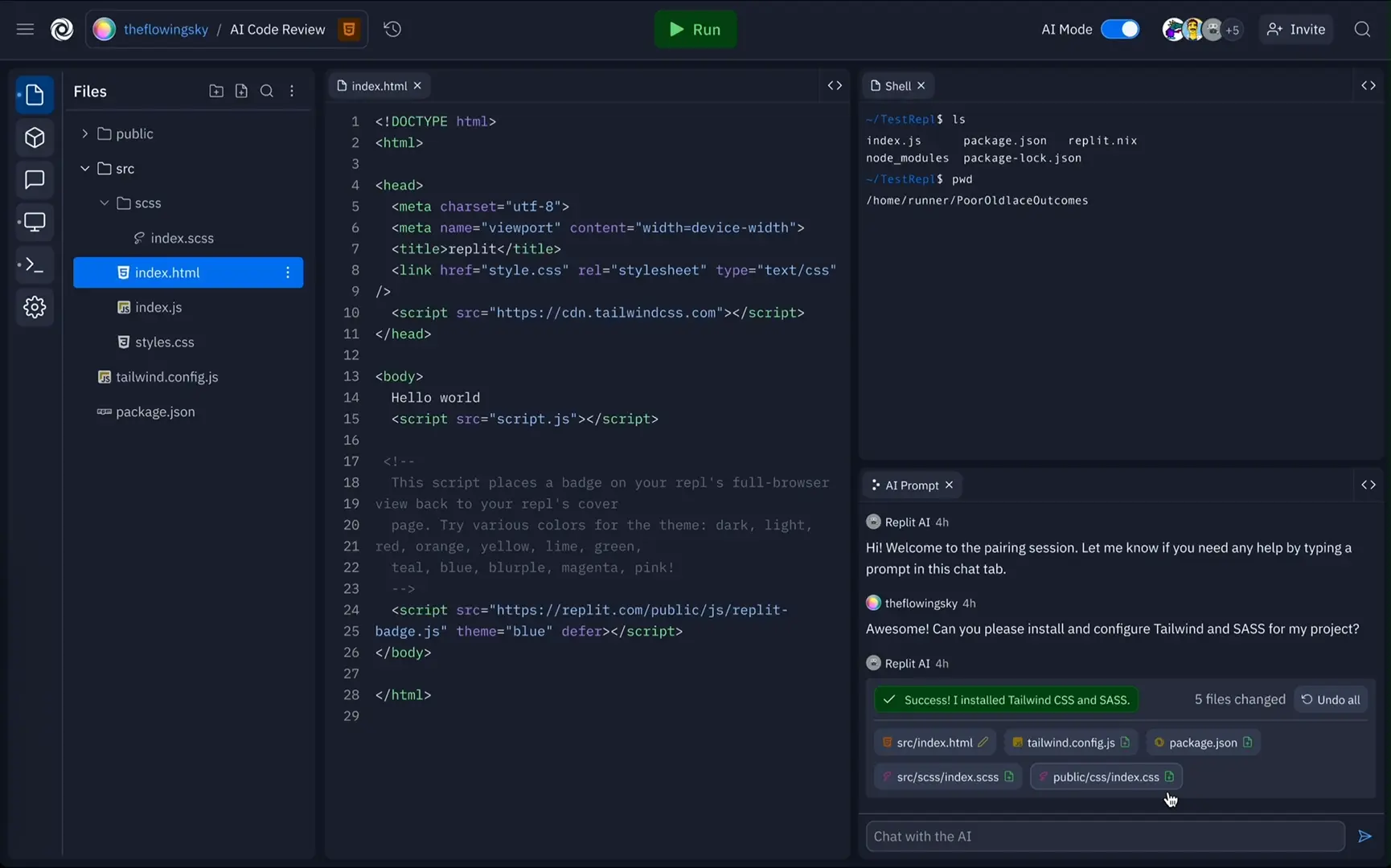
Replit Ghostwriter is an AI coding assistant integrated into the Replit platform, enabling developers to write, run, and deploy code directly in the browser.
It is ideal for beginners and developers who prefer a cloud-based coding environment.
Key Features
- Browser-based coding environment
- AI-assisted coding and debugging
- Instant deployment support
Use Cases
- Learning programming
- Building small apps
- Prototyping projects
Ease of Use
- Very beginner-friendly
- No setup required
- Runs in browser
Integrations
- GitHub integration
- Cloud deployment
- Collaboration tools
Pricing
- Free plan available, paid plans for advanced features
10. Gemini CLI — Terminal-Based AI Coding Assistant
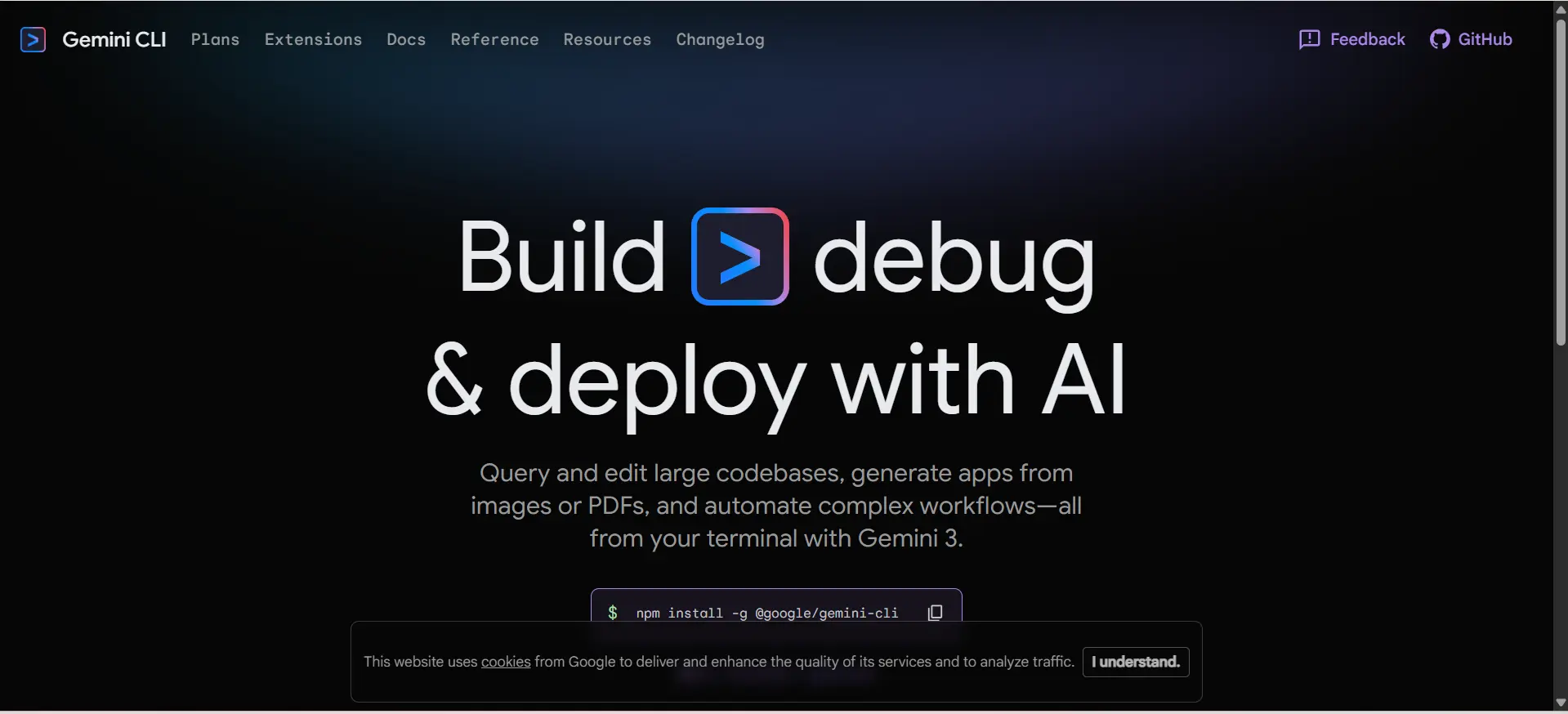
Gemini CLI is a command-line AI assistant powered by Google’s Gemini models, designed for developers who prefer working in terminal environments.
It helps automate coding tasks, generate scripts, and manage development workflows through command-line interactions.
Key Features
- Command-line AI assistant
- Script generation and automation
- Supports developer workflows
Use Cases
- Terminal-based coding
- DevOps automation
- Script generation
Ease of Use
- Best for terminal users
- Requires CLI familiarity
- Not beginner-focused
Integrations
- Terminal environments
- Google AI ecosystem
- Developer tools
Pricing
- Free and paid plans depending on usage
How to Choose the Right AI Coding Assistant
- Development Environment – Choose tools that fit your workflow, whether you work in an IDE, browser-based editor, or terminal.
- Project Complexity – For large codebases, select assistants with strong context understanding and multi-file support.
- Usage Type – Individual developers may prefer simple tools, while teams need collaboration and codebase-aware features.
- Automation Needs – Consider tools that support advanced automation like code generation, testing, and deployment workflows.
- Pricing and Scalability – Compare free and paid plans to ensure the tool fits your budget and scales with your projects.
Final Words
AI coding assistants are transforming software development in 2026 by improving speed, accuracy, and overall efficiency. Each tool offers unique strengths, from basic autocomplete to advanced automation and full workflow support.
Choosing the right assistant depends on your development environment, project requirements, and preferred workflow. Trying multiple tools is the best way to find the one that fits your coding style and productivity needs.
FAQs
The best tool depends on your needs. Cursor and Copilot are popular, while advanced tools offer full automation and codebase understanding.
Yes, it remains one of the most reliable tools for real-time code suggestions and integration with popular IDEs.
Replit Ghostwriter and Copilot are beginner-friendly due to their simple setup and easy-to-use interfaces.
No, they assist with coding and productivity, but still require developers for logic, architecture, and decision-making.
Some tools offer free plans, but most advanced features are available through paid subscriptions.
Gemini CLI and similar tools are designed for terminal-based workflows and command-line automation.



Aarthy is a passionate technical writer with diverse experience in web development, Web 3.0, AI, ML, and technical documentation. She has won over six national-level hackathons and blogathons. Additionally, she mentors students across communities, simplifying complex tech concepts for learners.



Aarthy is a passionate technical writer with diverse experience in web development, Web 3.0, AI, ML, and technical documentation. She has won over six national-level hackathons and blogathons. Additionally, she mentors students across communities, simplifying complex tech concepts for learners.
Related Posts
Top 10 Apache Spark Project Ideas for Beginners in 2026
Apache Spark becomes much easier to understand when you stop learning individual commands and start building complete projects. A practical …

Warning: Undefined variable $post_id in /var/www/wordpress/wp-content/themes/placementpreparation/template-parts/popup-zenlite.php on line 1050
so far feels like...
