Best AI Video Generation Tools
AI video generation tools have rapidly evolved in 2026, enabling users to create high-quality videos from text, images, or scripts. These tools are widely used for marketing, social media, education, and content creation.
With advancements in generative AI and diffusion models, video creation has become faster and more accessible.
In this article, let us explore the best AI video generation tools based on features, quality, ease of use, and real-world applications.
What Are AI Video Generation Tools?
- AI video generation tools are software platforms powered by generative AI models that create videos from text prompts, images, or existing media.
- They use technologies like diffusion models, multimodal AI, and neural rendering to generate realistic visuals, animations, and voiceovers.
- These tools eliminate the need for traditional video editing skills and reduce production time significantly.
- Common use cases include social media videos, explainer videos, ads, tutorials, and storytelling content.
Top 10 AI Video Generation Tools in 2026
Here are the top 10 AI video generation tools in 2026, selected based on video quality, features, and ease of use.
1. Sora — Text-to-Video Generative AI Model
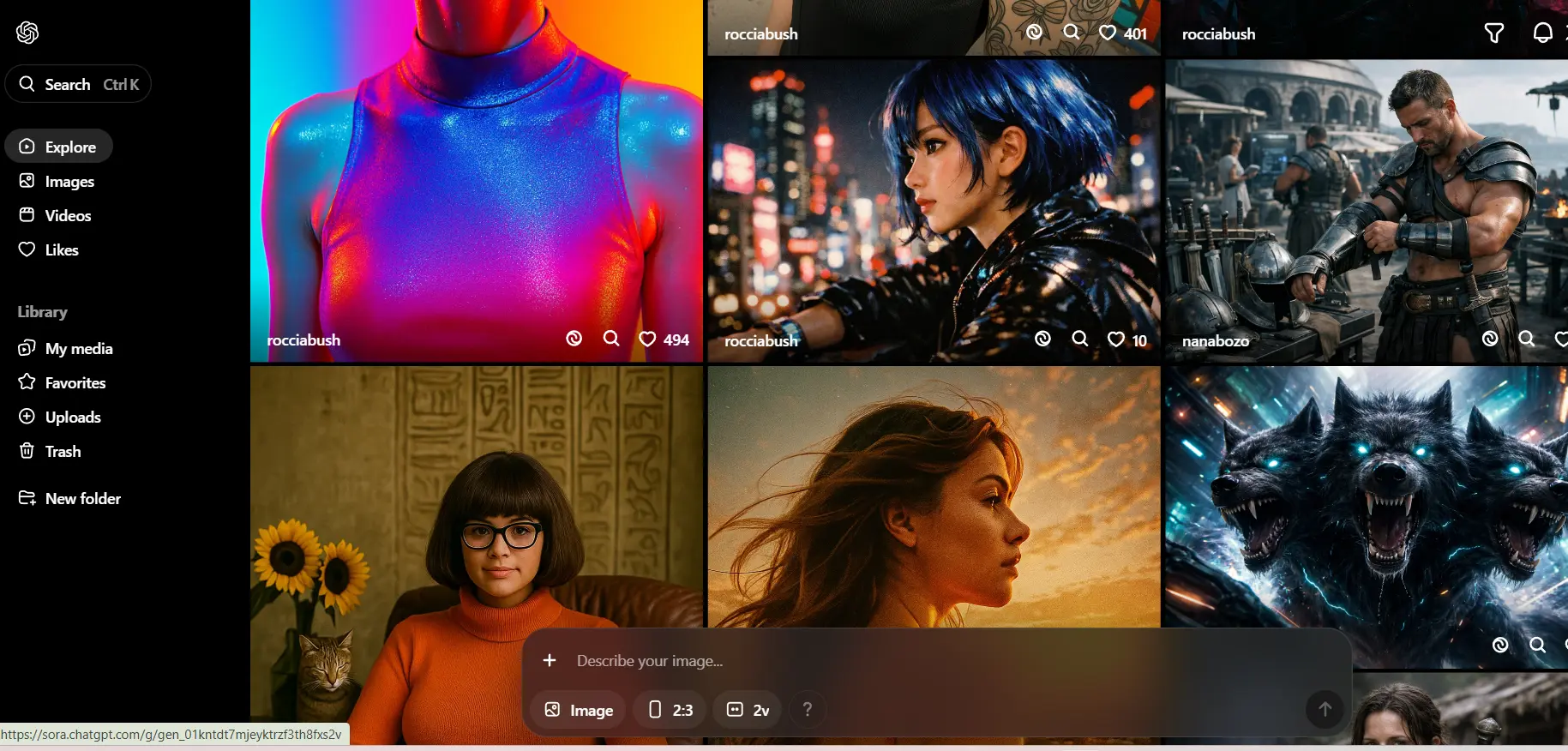
Sora is a text-to-video generative AI model developed by OpenAI that can create highly realistic and cinematic videos from simple text prompts. It represents a major advancement in AI video generation technology.
It stands out due to its ability to generate complex scenes with accurate physics, motion, and storytelling, making it one of the most advanced tools in 2026.
Key Features
- Generates videos from text prompts with realistic motion
- Supports complex scene understanding and storytelling
- Produces multi-shot cinematic sequences
Use Cases
- Film and cinematic content creation
- High-quality marketing videos
- Visual storytelling and concept videos
Video Quality
- Highly realistic visuals with natural motion
- Cinematic-level scene generation
Ease of Use
- Simple prompt-based interface
- Minimal editing required
- Learning curve for prompt engineering
Pricing
- Currently, limited access, expected premium paid plans
2. Gemini Flow — Multimodal AI Video Generation System
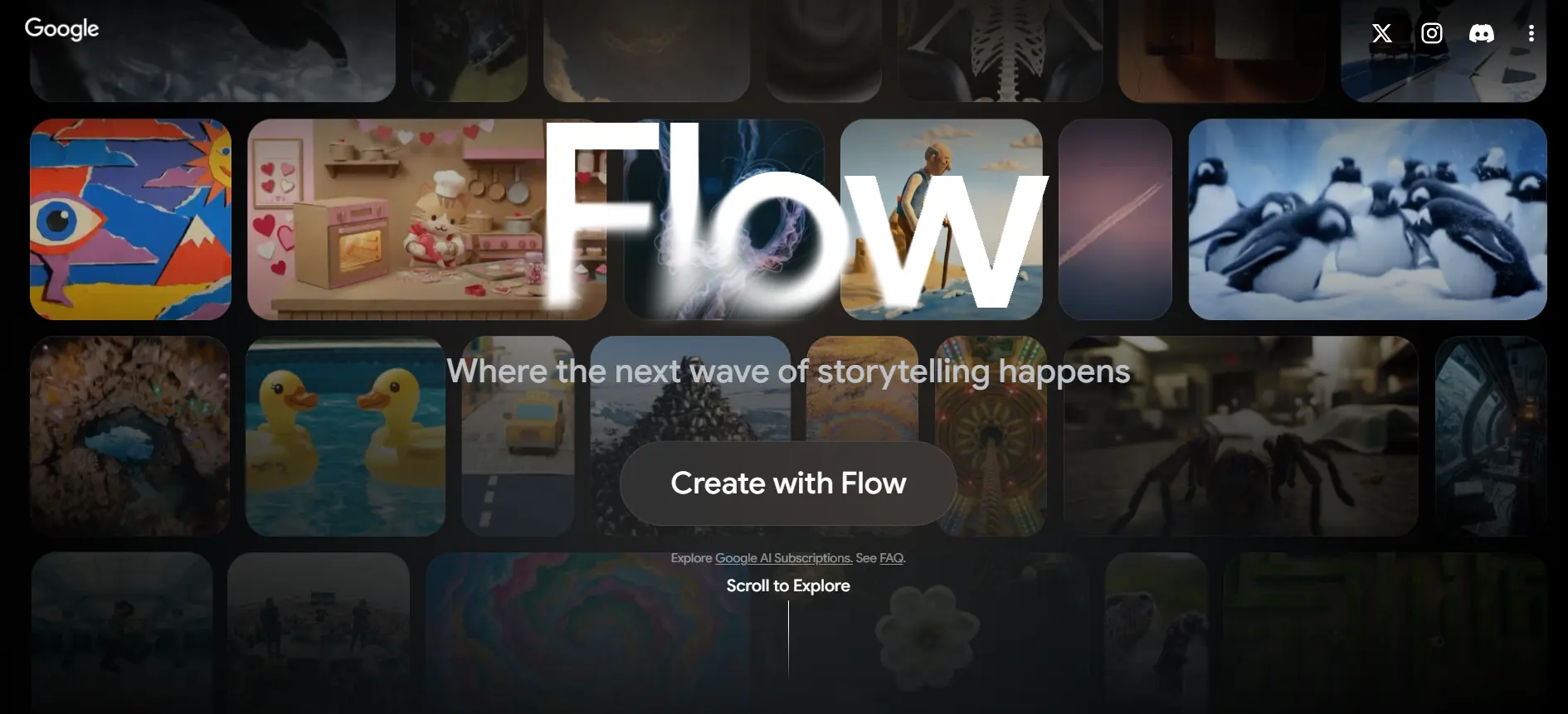
Gemini Flow is a multimodal AI video generation tool by Google that integrates text, images, and data inputs to create dynamic video content.
It is designed for seamless integration with Google’s ecosystem, making it ideal for productivity and content workflows.
Key Features
- Supports text, image, and data-based video generation
- Deep integration with Google Workspace tools
- Multimodal AI for dynamic content creation
Use Cases
- Business presentations and reports
- Social media content creation
- Educational and tutorial videos
Video Quality
- High-quality visuals with contextual accuracy
- Smooth transitions and structured output
Ease of Use
- Easy for Google Workspace users
- Guided content generation workflows
- Minimal technical skills required
Pricing
- Free tier available, advanced features in paid plans

3. Runway ML — AI Video Generation and Editing Platform
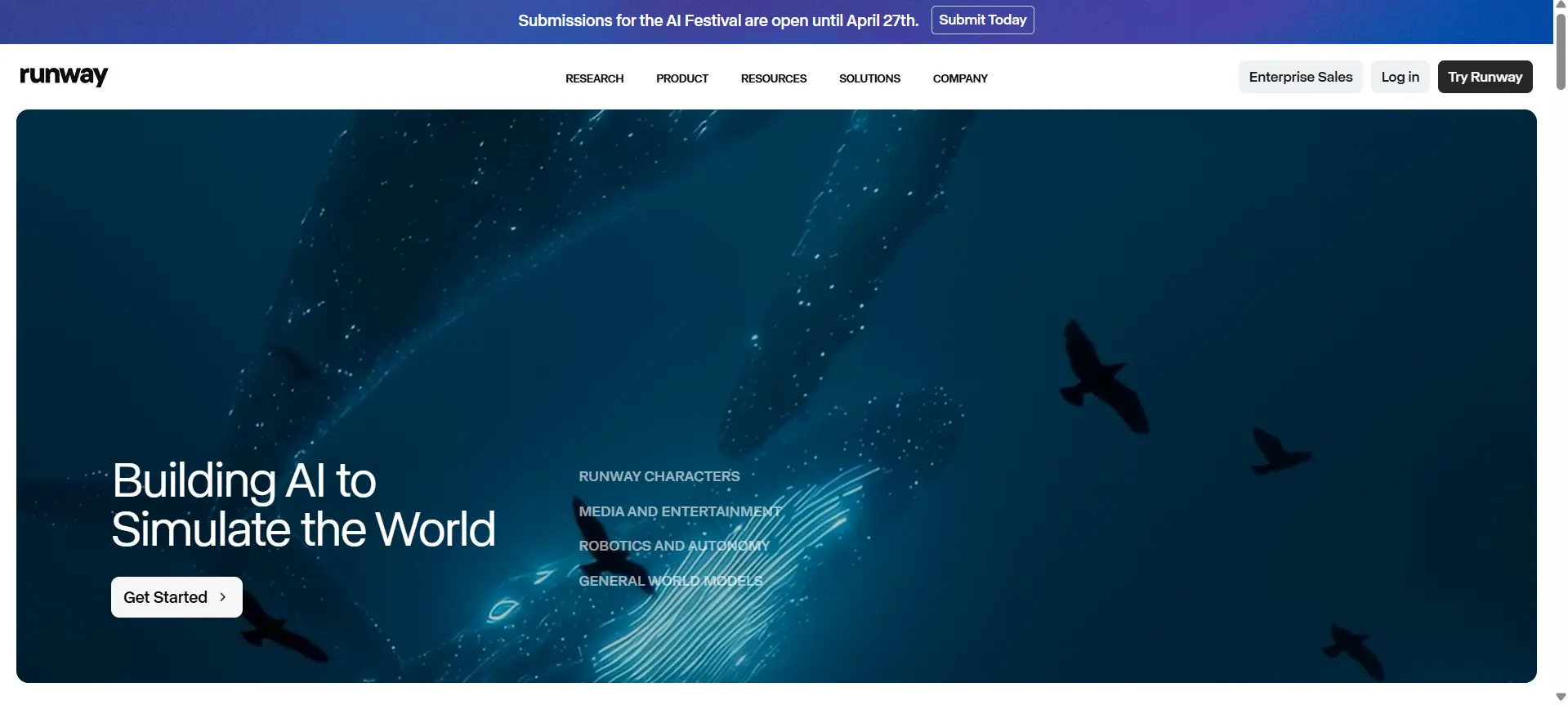
Runway ML is a widely used AI video platform that offers tools for text-to-video, video editing, and visual effects. It is popular among creators for its advanced editing features and creative flexibility.
Key Features
- Text-to-video and video editing tools
- AI-powered visual effects and background removal
- Real-time video generation and editing
Use Cases
- YouTube and content creator videos
- Film editing and post-production
- Creative visual projects
Video Quality
- High-quality output with creative control
- Strong support for visual effects
Ease of Use
- Intuitive interface for creators
- Moderate learning curve for advanced tools
- Suitable for both beginners and professionals
Pricing
- Free plan available, paid pro plans for advanced features
4. Pika Labs — AI Animation and Video Generation Tool
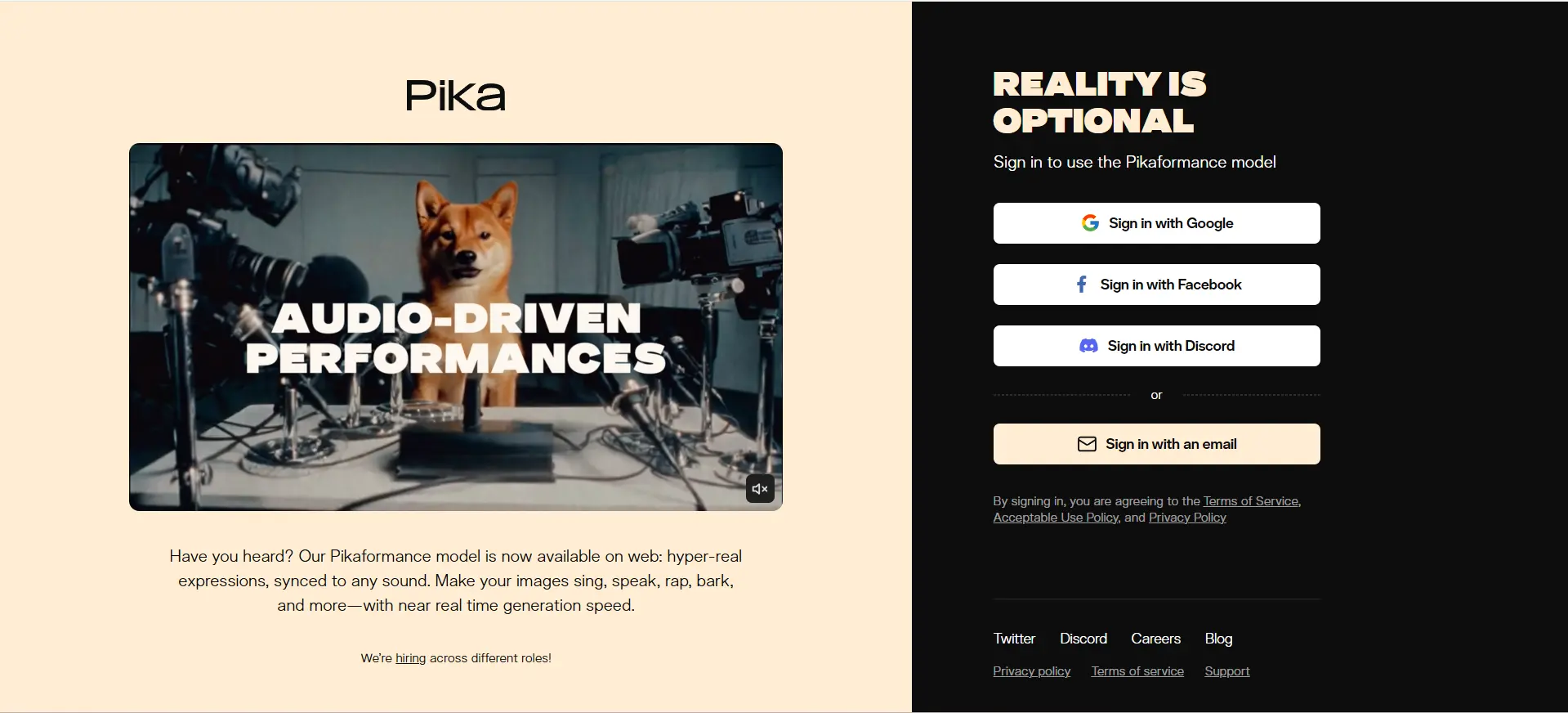
Pika Labs is an AI video-generation tool focused on creating short-form, animated, and stylized videos from text prompts.
It is widely used for social media content and creative storytelling.
Key Features
- Text-to-video animation generation
- Stylized and artistic video outputs
- Fast rendering for short videos
Use Cases
- Social media reels and shorts
- Creative storytelling videos
- Animated content creation
Video Quality
- Stylized visuals with smooth animation
- Good quality for short-form content
Ease of Use
- Beginner-friendly interface
- Quick video generation process
- Limited control for advanced edits
Pricing
- Free access with limits, paid plans for higher usage
5. Synthesia — AI Avatar-Based Video Creation Tool
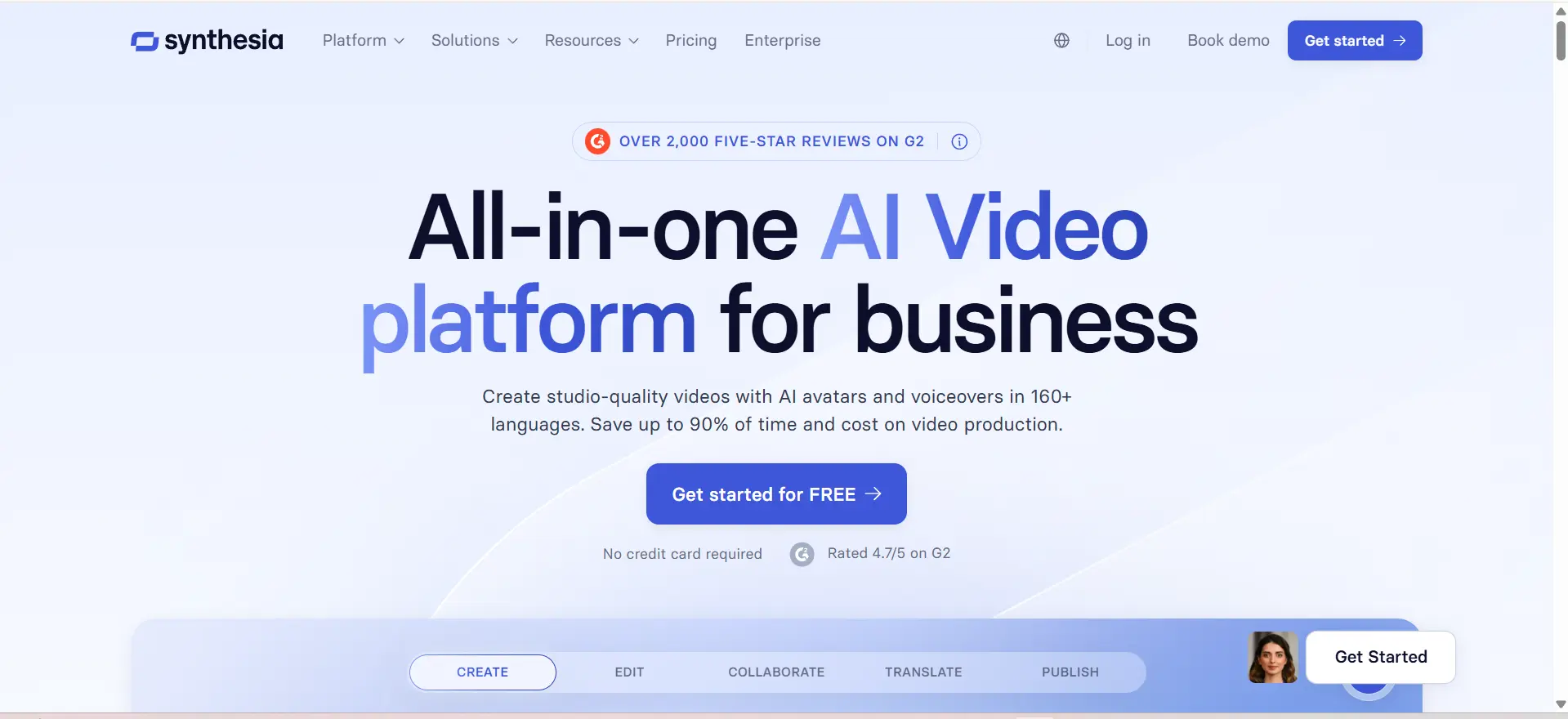
Synthesia is an AI video generation platform that creates videos using realistic AI avatars and voiceovers. It is commonly used for corporate training, explainer videos, and presentations.
Key Features
- AI avatars with realistic voiceovers
- Multiple language support
- Script-to-video generation
Use Cases
- Corporate training videos
- Explainer and tutorial videos
- Business presentations
Video Quality
- Professional avatar-based output
- Consistent and clear visuals
Ease of Use
- Simple script-based workflow
- No video editing skills required
- Quick content generation
Pricing
- Paid tool with subscription plans
6. HeyGen — AI Avatar and Video Creation Platform
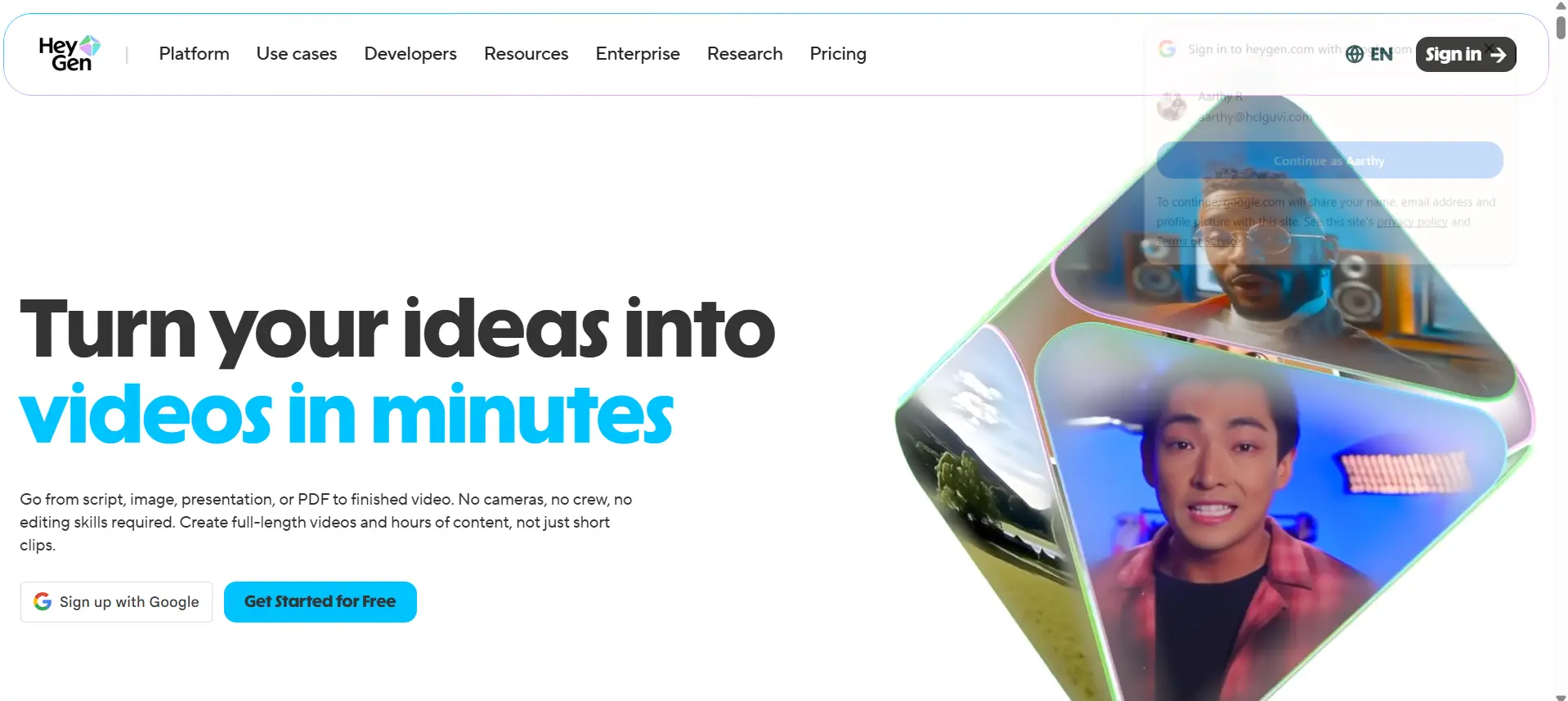
HeyGen is an AI-powered video generation tool that allows users to create videos with digital avatars and voice synthesis.
It is useful for marketing, business communication, and personalized video content.
Key Features
- AI avatars with voice cloning
- Custom video templates
- Multilingual video creation
Use Cases
- Marketing and promotional videos
- Personalized video messages
- Business communication content
Video Quality
- High-quality avatar visuals
- Clear voice synchronization
Ease of Use
- Easy drag-and-drop interface
- Fast video creation process
- Beginner-friendly workflows
Pricing
- Free trial available, paid subscription plans
7. Luma AI — Neural Rendering-Based Video Generation Tool

Luma AI uses neural rendering and 3D capture technology to generate realistic videos and environments. It is particularly useful for immersive content and visual storytelling.
Key Features
- 3D scene capture and rendering
- Realistic environment generation
- AI-powered video enhancement
Use Cases
- 3D content creation
- Immersive storytelling
- AR and VR projects
Video Quality
- Highly realistic 3D visuals
- Strong depth and spatial accuracy
Ease of Use
- Moderate learning curve
- Requires understanding of 3D workflows
- Powerful for advanced users
Pricing
- Free tools available, premium features paid
8. Kaiber — AI Music and Visual Video Generator
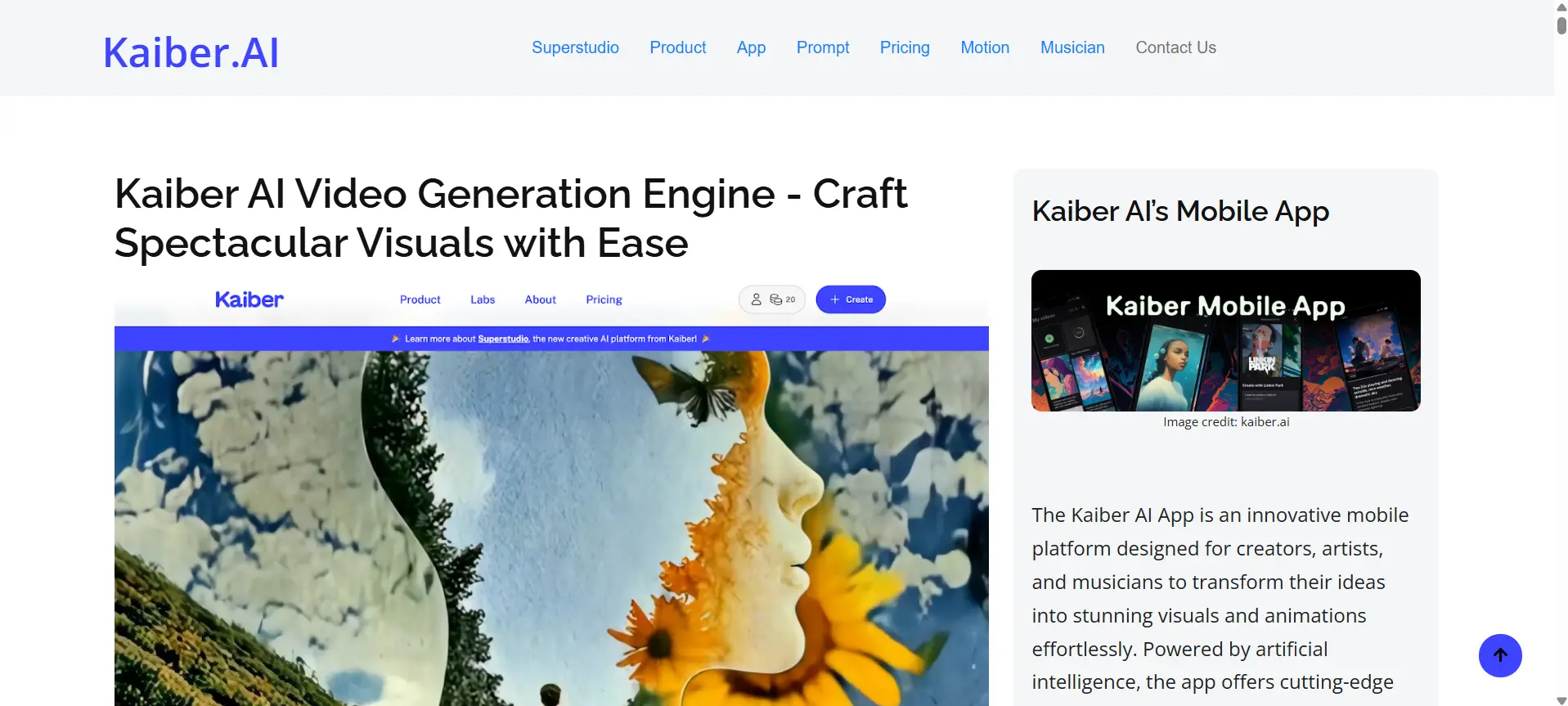
Kaiber is an AI video generation tool focused on creating music videos and stylized visual content. It is popular among creators for producing visually engaging short videos.
Key Features
- Music-based video generation
- Stylized visual effects
- Text and image-based inputs
Use Cases
- Music videos
- Social media visuals
- Creative visual storytelling
Video Quality
- Artistic and visually appealing output
- Good for stylized content
Ease of Use
- Simple interface for creators
- Fast video creation
- Limited advanced editing
Pricing
- Free trial available, paid plans for full features
9. Canva AI — AI-Powered Video Creation Inside Design Platform
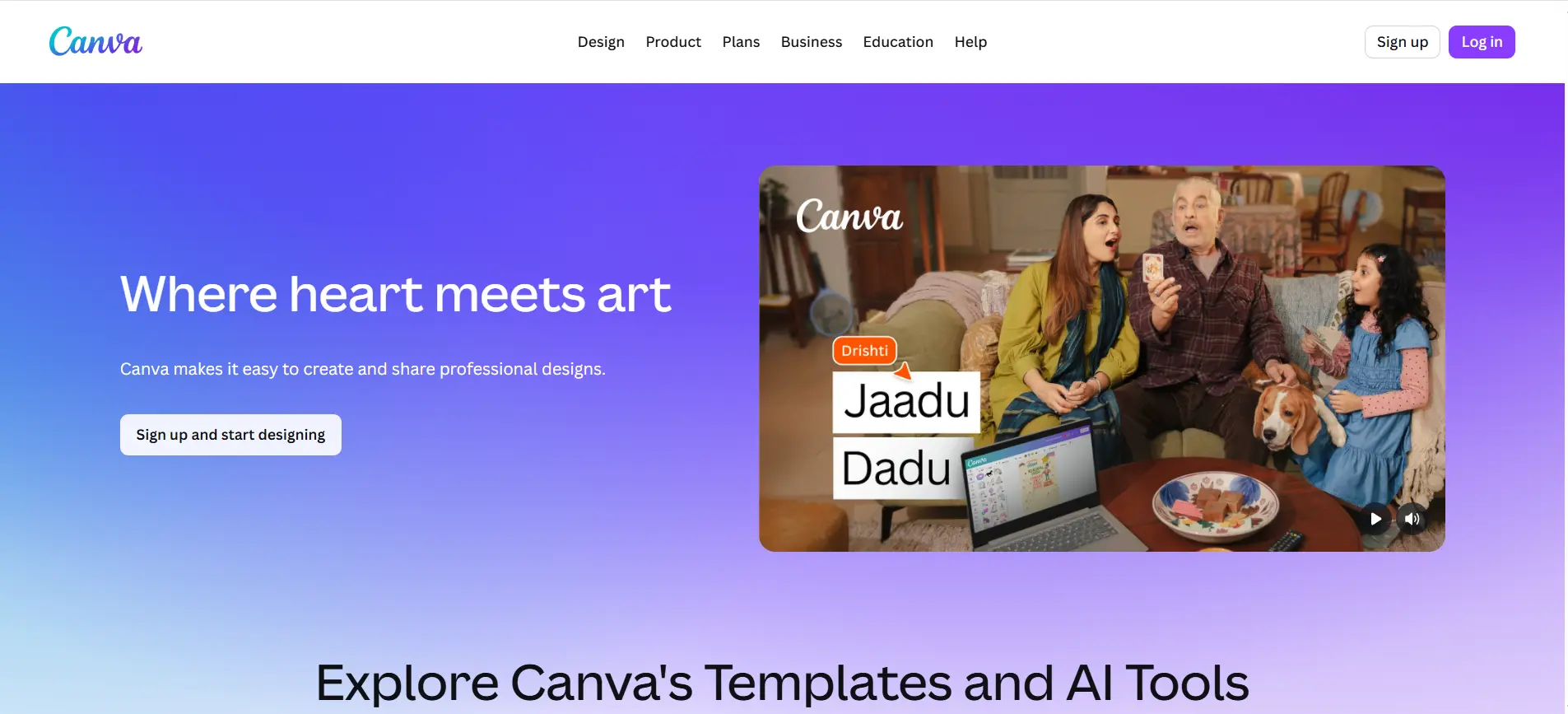
Canva AI integrates video generation features within its design platform, allowing users to create videos using templates, AI tools, and simple editing workflows. It is ideal for beginners and marketers who need quick and professional video content.
Key Features
- AI video templates and design tools
- Drag-and-drop editor
- Integrated media library
Use Cases
- Social media videos
- Marketing content
- Business presentations
Video Quality
- Good quality for marketing content
- Template-based polished output
Ease of Use
- Very beginner-friendly
- No technical skills required
- Fast content creation
Pricing
- Free plan available, paid Pro plan
10. Descript — AI Video Editing and Script-Based Video Tool

Descript is an AI-powered video editing tool that allows users to edit videos using text-based commands and scripts. It is useful for content creators, podcasters, and educators who need efficient editing workflows.
Key Features
- Text-based video editing
- AI voice cloning and overdub
- Automatic transcription
Use Cases
- Podcast and video editing
- Educational content
- YouTube video production
Video Quality
- High-quality edited output
- Clean and professional results
Ease of Use
- Easy editing via text interface
- Beginner-friendly workflow
- Saves editing time
Pricing
- Free plan available, paid subscription plans
How to Choose the Right AI Video Generation Tool
- Content Type – Choose based on your goal, such as short-form videos, ads, training content, or cinematic storytelling.
- Video Quality – Select tools that match your required output quality, whether basic marketing visuals or high-end, realistic videos.
- Ease of Use – Consider how easy the tool is to use, especially if you prefer simple workflows over advanced editing controls.
- Pricing – Compare free and paid plans to find a tool that fits your budget and usage needs.
- Integrations – Check if the tool connects with your existing platforms, like design tools, cloud storage, or editing software.
Final Words
AI video generation tools have transformed content creation in 2026. From cinematic video generation to simple marketing videos, there is a tool for every need.
Choosing the right tool depends on your content goals, technical requirements, and budget. Experimenting with multiple tools helps identify the best fit for your workflow.
FAQs
The best tool depends on the use case. Sora for realism, Runway ML for editing, and Synthesia for business videos.
Yes, tools like Sora and Pika Labs create videos directly from text prompts using generative AI models.
Runway ML and Descript are best for YouTube due to editing, effects, and workflow efficiency.
Many tools like Canva offer free plans, but advanced features and higher quality outputs usually require paid subscriptions.
Sora and Luma AI create highly realistic videos with natural motion and detailed environments.
Yes, tools like Canva and HeyGen are beginner-friendly with simple interfaces and templates.



Aarthy is a passionate technical writer with diverse experience in web development, Web 3.0, AI, ML, and technical documentation. She has won over six national-level hackathons and blogathons. Additionally, she mentors students across communities, simplifying complex tech concepts for learners.



Aarthy is a passionate technical writer with diverse experience in web development, Web 3.0, AI, ML, and technical documentation. She has won over six national-level hackathons and blogathons. Additionally, she mentors students across communities, simplifying complex tech concepts for learners.
Related Posts
How to Write a LinkedIn Summary: Tips, Examples & Best Practices (2026 Guide)
Open ten LinkedIn profiles from people applying for the same role, and you'll notice a pattern. Many use the same …


Warning: Undefined variable $post_id in /var/www/wordpress/wp-content/themes/placementpreparation/template-parts/popup-zenlite.php on line 1050
so far feels like...
